
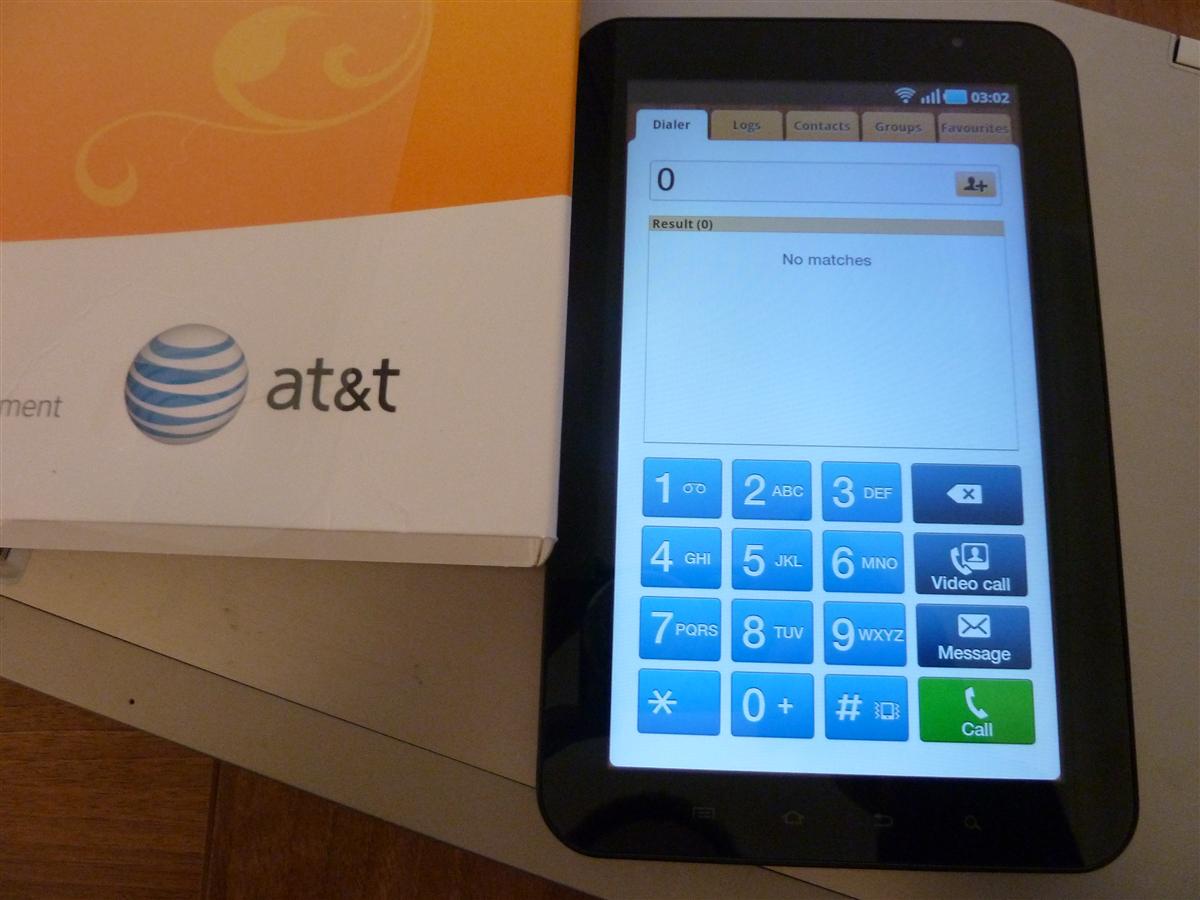
Want to enable voice calling on your AT&T Samsung Galaxy Tab? All you need to do is download a few files and run through a few hoops and you’ll be good to go. All credit to figuring this out goes completely to clubtech over at XDA – I simply just took a few screenshots to make a slightly easier step-by-step guide:
- Download the necessary files and extract them:
- firmware P1000XWJJ4 (password: samfirmware.com)
- firmware P1000XXJK5 (password: samfirmware.com)
- Odin 1.3
- modem_bell_i9000 (you’ll need to register for a free account at xda-developers.com if you don’t already have one)
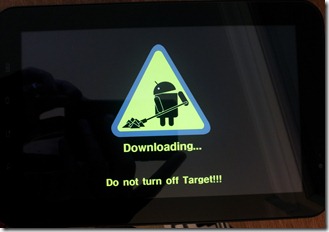
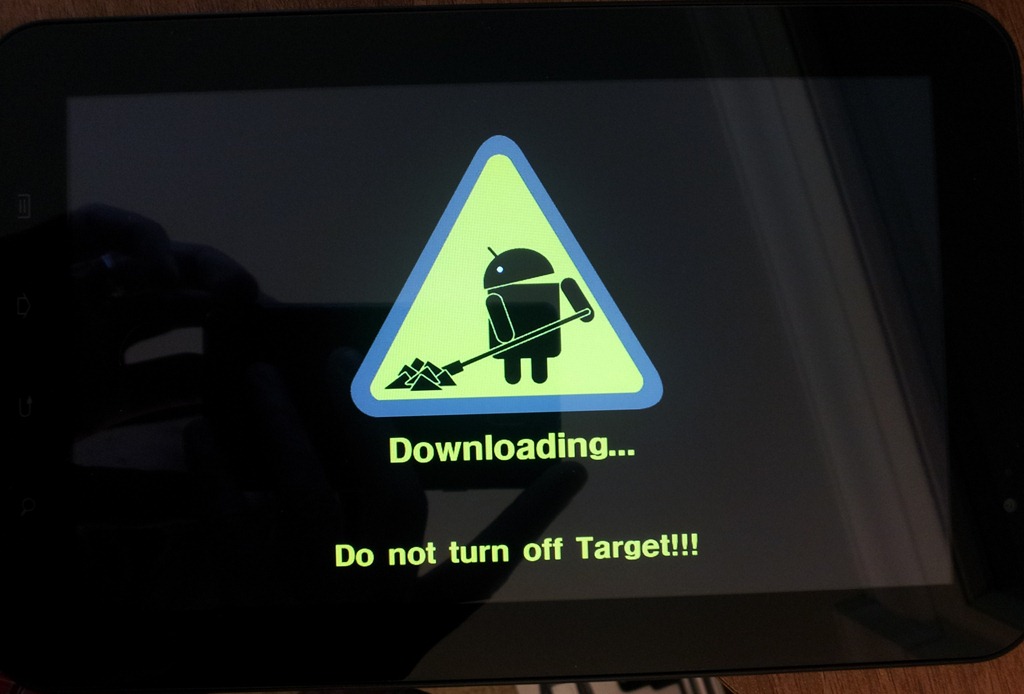
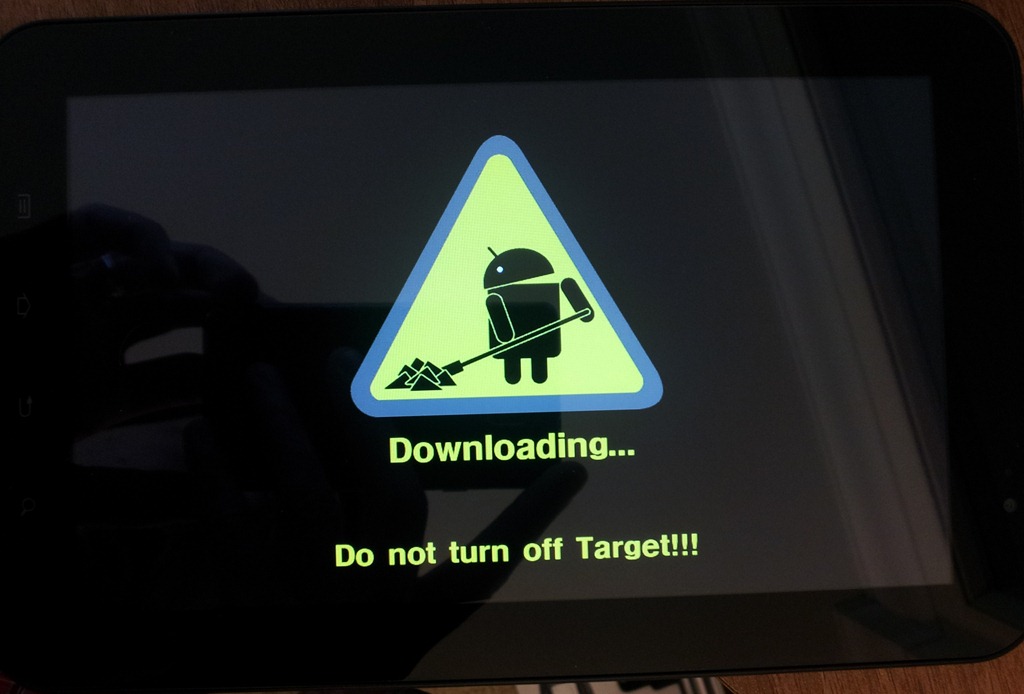
- Turn off the tab, plug it in via USB, and press and hold the Volume Down button then press and hold the Power Button until you are in download mode (once in download mode, release the buttons):
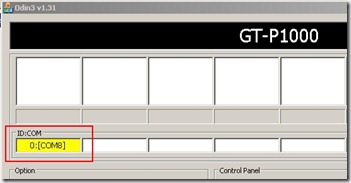
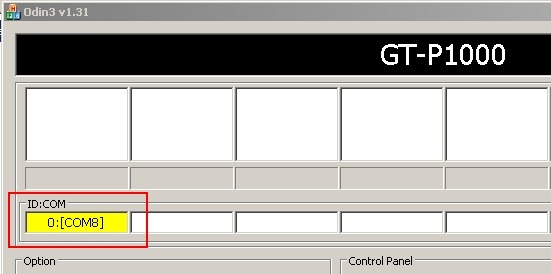
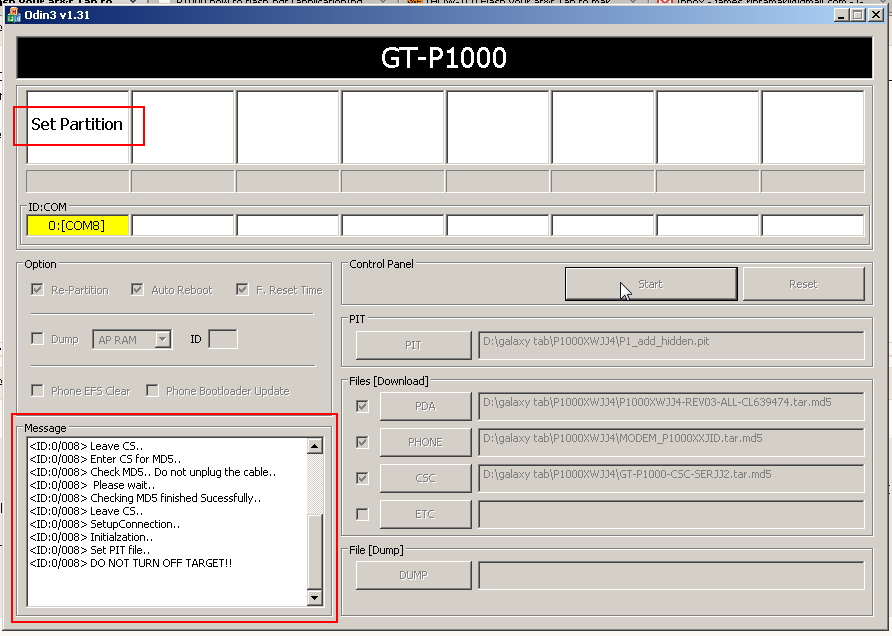
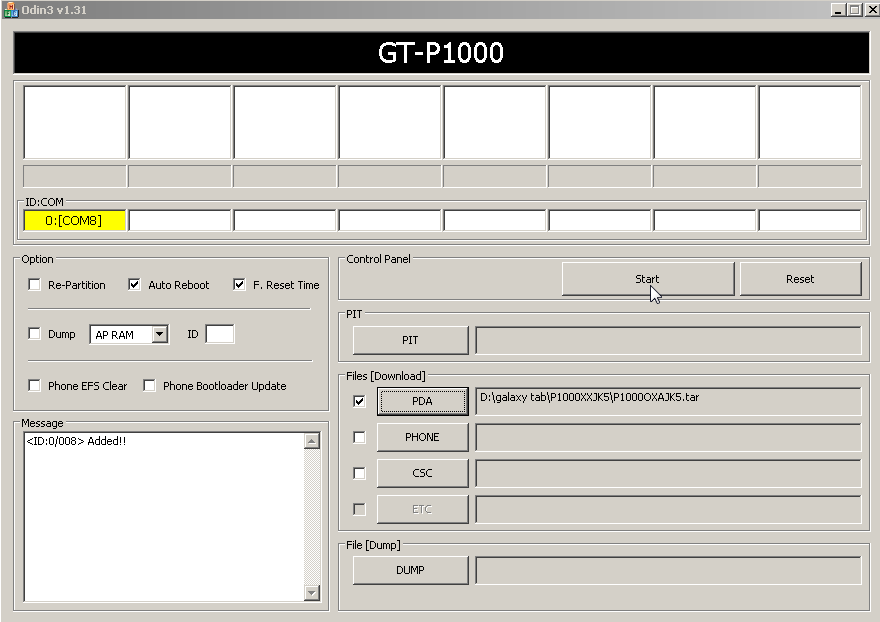
- Run Odin and make sure you see the port number listed in yellow on the top (in my case, “0:[COM8]â€):
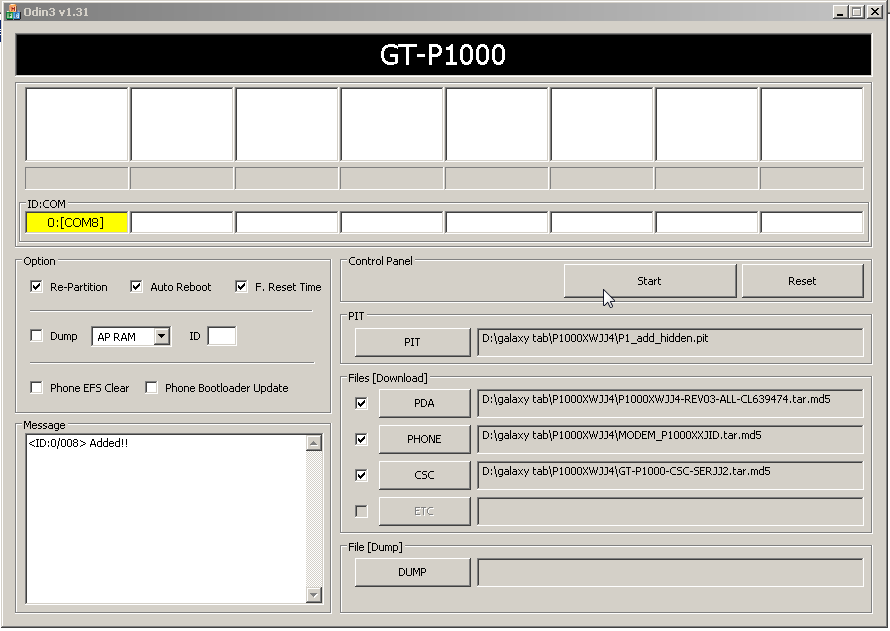
- Check “Re-Partitionâ€, “Auto Rebootâ€, and “F. Reset Timeâ€. Then, load in the various extracted JJ4 (the Russian ROM) files for PIT, PDA, PHONE, and CSC:
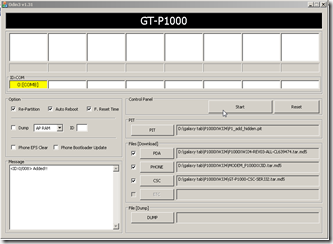
- PIT: P1_add_hidden.pit
- PDA: P1000XWJJ4-REV03-ALL-CL639474.tar.md5
- PHONE: MODEM_P1000XXJID.tar.md5
- CSC: GT-P1000-CSC-SERJJ2.tar.md5
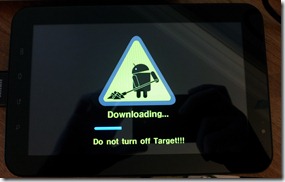
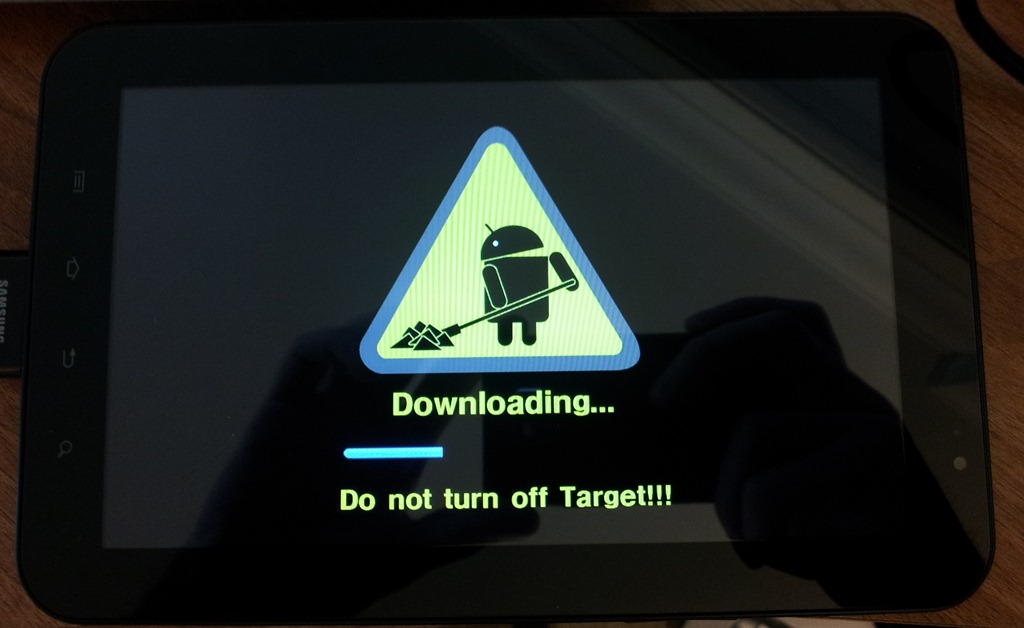
- Now click start. It will take a few minutes to flash the files, during which, you’ll see a progress bar on the tab itself:
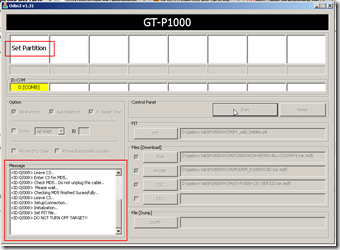
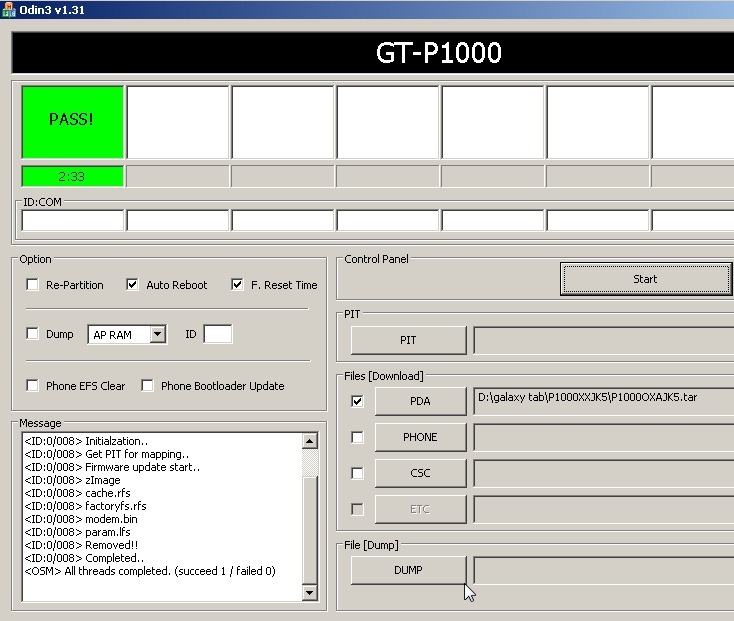
as well as some text output within Odin:
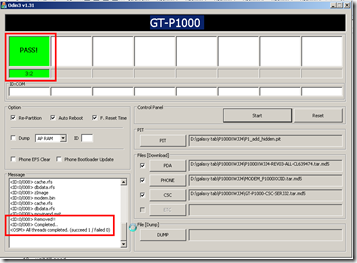
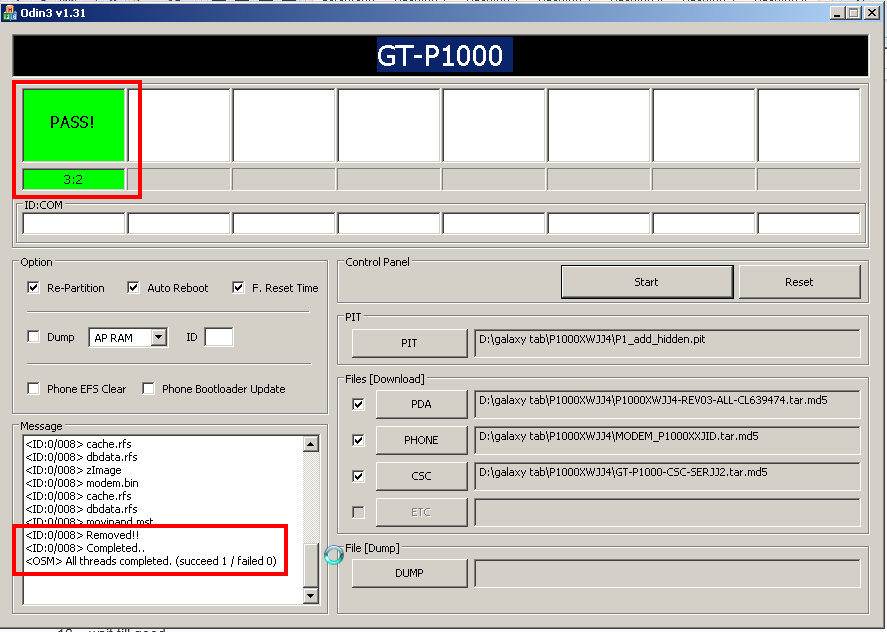
- Once it’s done flashing, you’ll hopefully have a green success notification in Odin:
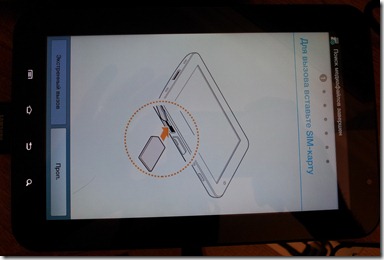
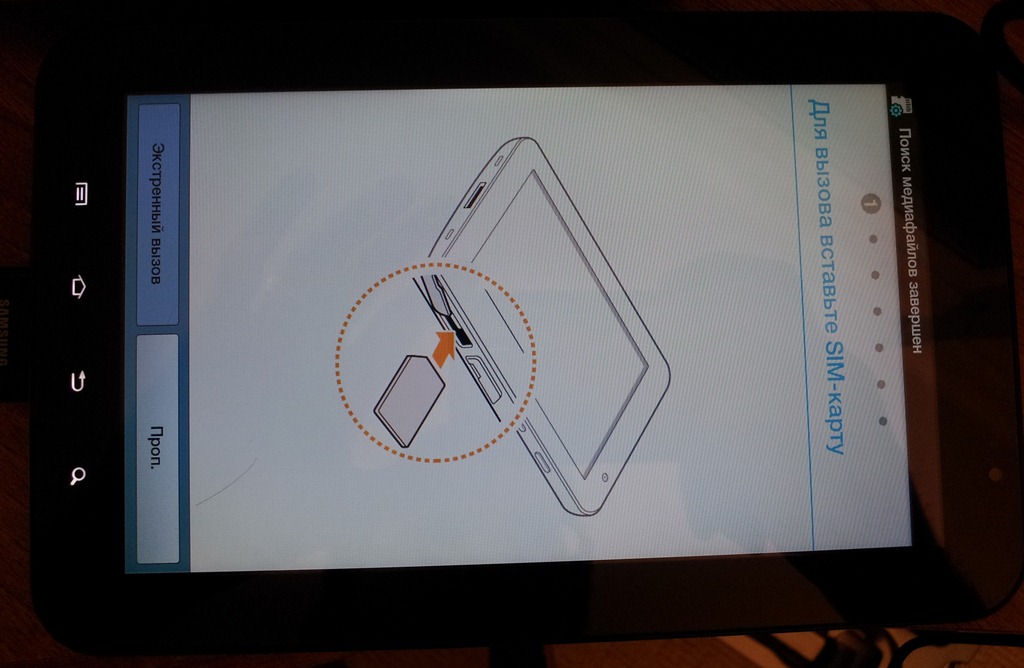
and your tab will have restarted and now be in Russian:
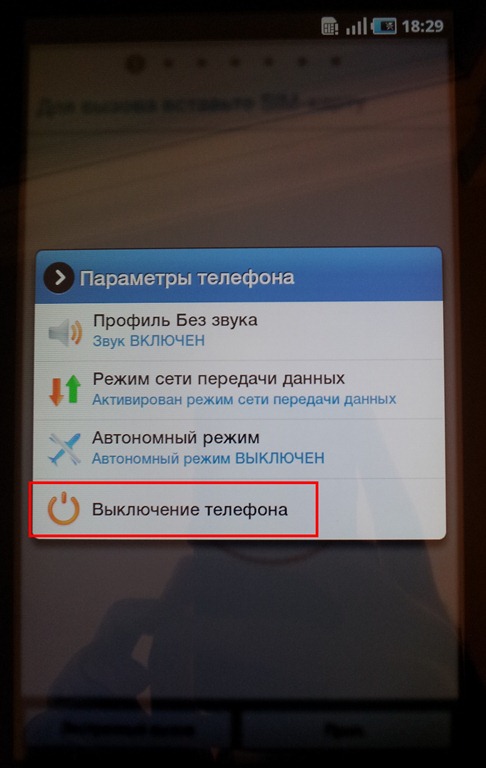
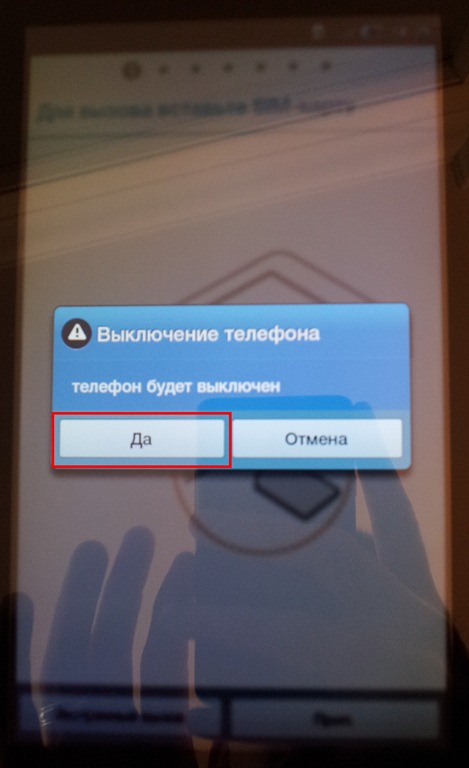
- Turn off the tab again (press the power button, select the last option, then the left option):
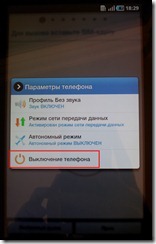
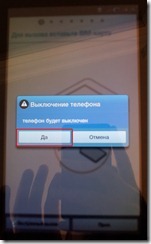
and restart in download mode again (hold the Volume Button and Power Button):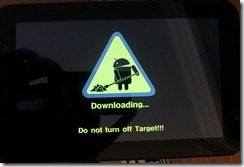
- Now, either open Odin again (if you closed it), or click Reset. If you do not have a Yellow Port number displayed like in 4 above – close Odin, unplug and re-plugin the tab, and open Odin again. Uncheck “re-partition†and check “Auto Reboot†and “F. Reset Timeâ€. Click on PDA and load the JK5 file (P1000OXAJK5.tar) and click Start:
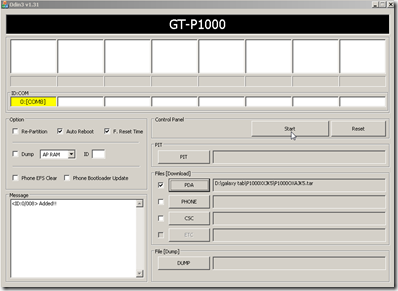
- As before with the JJ4, you’ll hopefully have a green PASS notification in Odin:
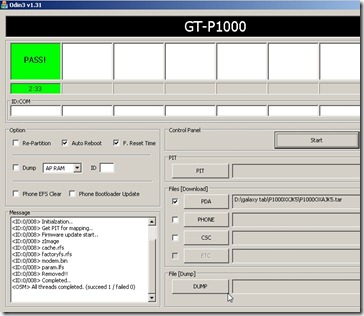
and your Tab should restart (in English) and be able to make voice calls!: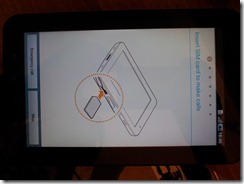
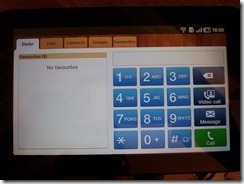
- At this point, however, it’s possible that HSDPA is no longer enabled. If you know you are in a HSDPA area and you can’t seem to get HSDPA speeds or the HSDPA icon, you’ll want to flash the canada bell radio bin by following the same procedure above for JK5 (reboot into download mode, uncheck re-partition), only this time loading in the modem_bell_i9000 file for PHONE (modem.bin):
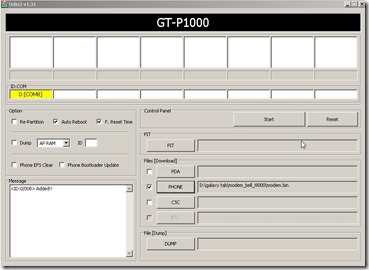
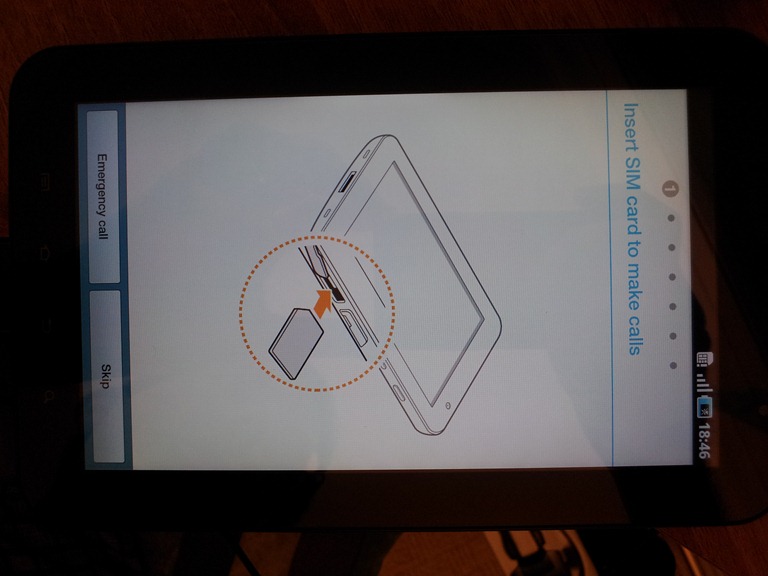
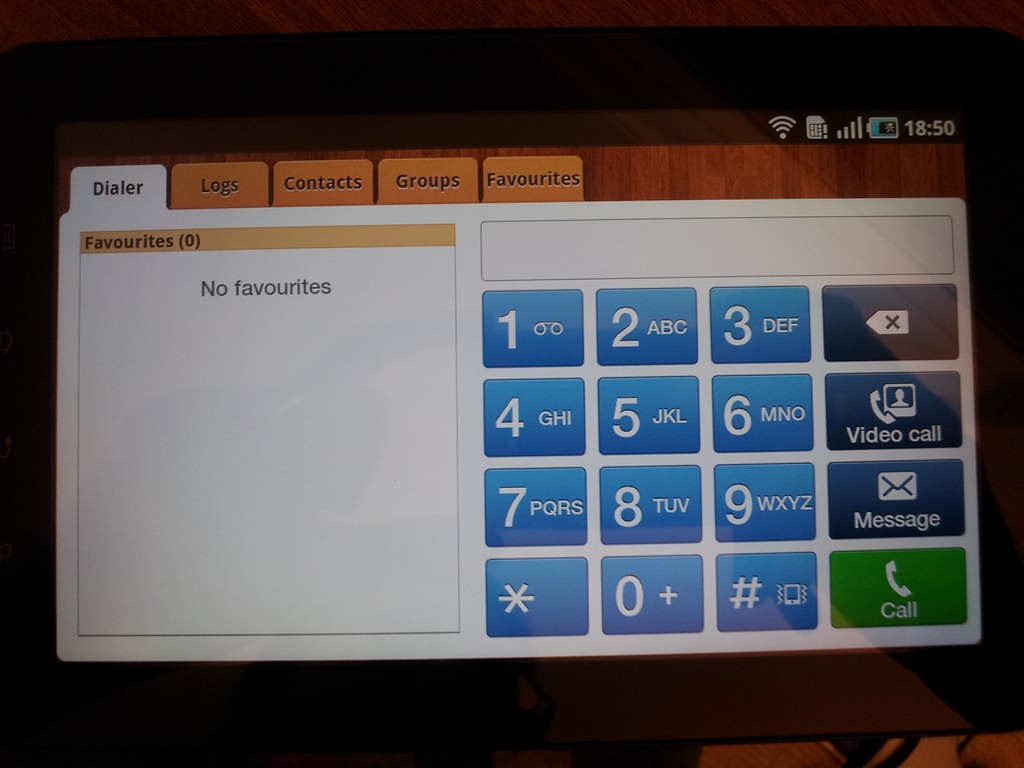
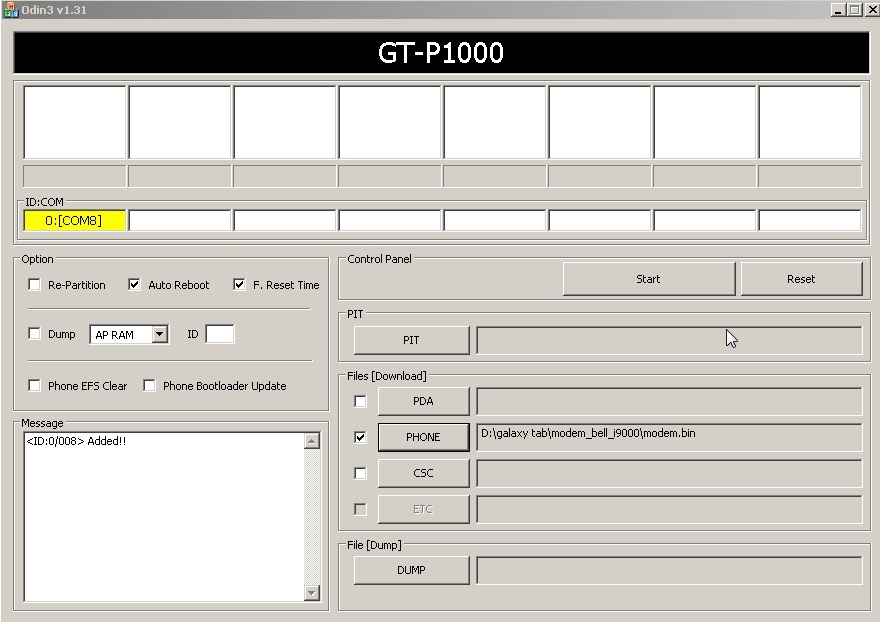
If all went well, you should now be able to make calls and use data on your AT&T Samsung Galaxy Tab! Again, total credit goes to clubtech over at XDA for figuring this out, thanks clubtech!
Will this work on a TMo?
@anon, I realize this is a bit of a late response, but the t-mobile guide is a bit different: http://forum.xda-developers.com/showthread.php?t=838250 – unfortunately, I don’t have a t-mobile version to make my own guide.
This is great but I have a question, do you need to pay for a voice plan? I only have a data plan with my ATT for my galaxy tab so does it mean that even if I install this feature I will not be able to make phone calls unless I pay for a voice plan?
Thank You,
Erik
@Erik, yes, in order to make voice calls you will need to have a voice plan (either prepaid, postpaid, etc) added to your simcard/account if you don’t already. (though, you may automatically be signed up for their pay per minute voice plan depending on what sort of data sim you may be using? either way, best to double check with at&t!)
Hi
Would that work for galaxy 10 tablet rgardless of the carrier? i downloaded a dialer and tried to call but got a message that this functionality is restricted
Thanks, izzet
@izzet – no, the tab 10.1 does not support voice dialing. The closest thing you’d be able to do is get a VoIP app and call using a data connection.
I tried this steps but i downloaded them to my computer but if i click thae run i can not see that box with yellow my tab screen i can not see if its downloading no bars
I tried this steps but i downloaded them to my computer but if i click thae run i can not see that box with yellow my tab screen i can not see if its downloading no bars
Hi James, thank you for such a detailed guide & your hard work making it. I have a Samsung Galaxy tab 7.0 G-P1000M, orginally from Bell/Canada, but I got it unlocked.
I’m trying to download the files, but its no longer there. Please, please, can you help with firmware & modem files. Odin I do have.
Thank you very much!
There are problems with the first couple downloads. Please fix
Hi just wanted to give you a brief heads up and let you know a few of the pictures aren’t loading properly.
I’m not sure why but I think its a linking
issue. I’ve tried it in two different internet browsers and both show the same results.
thanks for the heads up, I’ll give it a look!
HI, I have bought a Samsung tablet in Dubai and when open the dial pad to call it’s ask to register AT&T, Please assist how to unlock my tab?
I unlocked my ATandT tab so i could use data on my digicel sim that works fine.I have got all the files and odin and am ready to follow your procedure,will this affect the data facility that i already have. My idea was to be able to use the tab in any country i am in by getting a local sim for both data and voice calls.
Hello, I got a galaxy sgh-i957 with 4.0.4 ICS os. It cannot make calls or receive call. I wanted to follow your guide to flash it to enable voice call but the first two files’s link are not longer available, Irealised its being long you uploaded the files. Please can you help me with recent file to download to make this tab work with calls. Or provide me with latest means to make this tab make calls