Dell XPS M1330 Review (Videos & Pics)
Welcome to my review of the dell xps m1330:
Updates to this review:
- 1 - 7/30, 7:30p
- 2 - 7/30, 8:15p
- 3 - 7/30, 10:45
- 4 - 7/30, 11:00
- 5 - 7/31, 11:15p - Videos! and some "usage" reports
- 6 - 8/02, 2:20p - uploaded the FEAR gameplay video
- 7 - 8/07, 9:00a - answered some of the questions from the comments
- 8 - 9/07, 12:35a - small info on cd drive
External Reviews:
- YouTube review - video of the laptop
- NotebookReview.com - benchmarks, pictures, comparisons, etc
Personal Review:
Specs of my m1330 in this review:
- Core 2 Duo Santa Rosa T7300 2.0Ghz
- 2×1GB DDR2-667Mhz
- 120gb 5400RPM hdd
- dvd-rw
- nVidia GeForce 8400m Video
- LED Backlit screen with VGA webcam
- 6 cell battery
- vista home premium
- 3 year warranty
boxed (1794 hits) |
unboxed (2383 hits) |
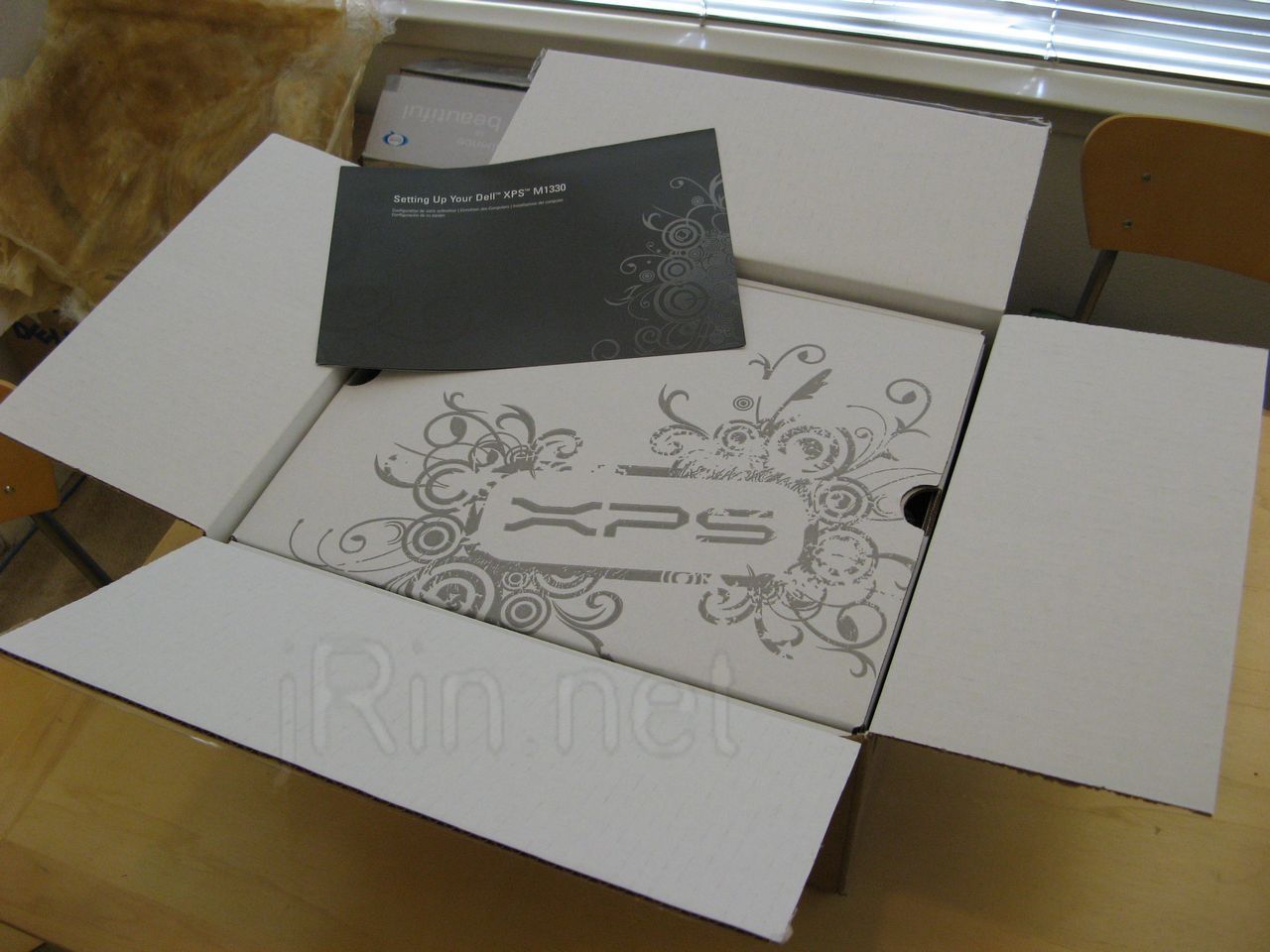
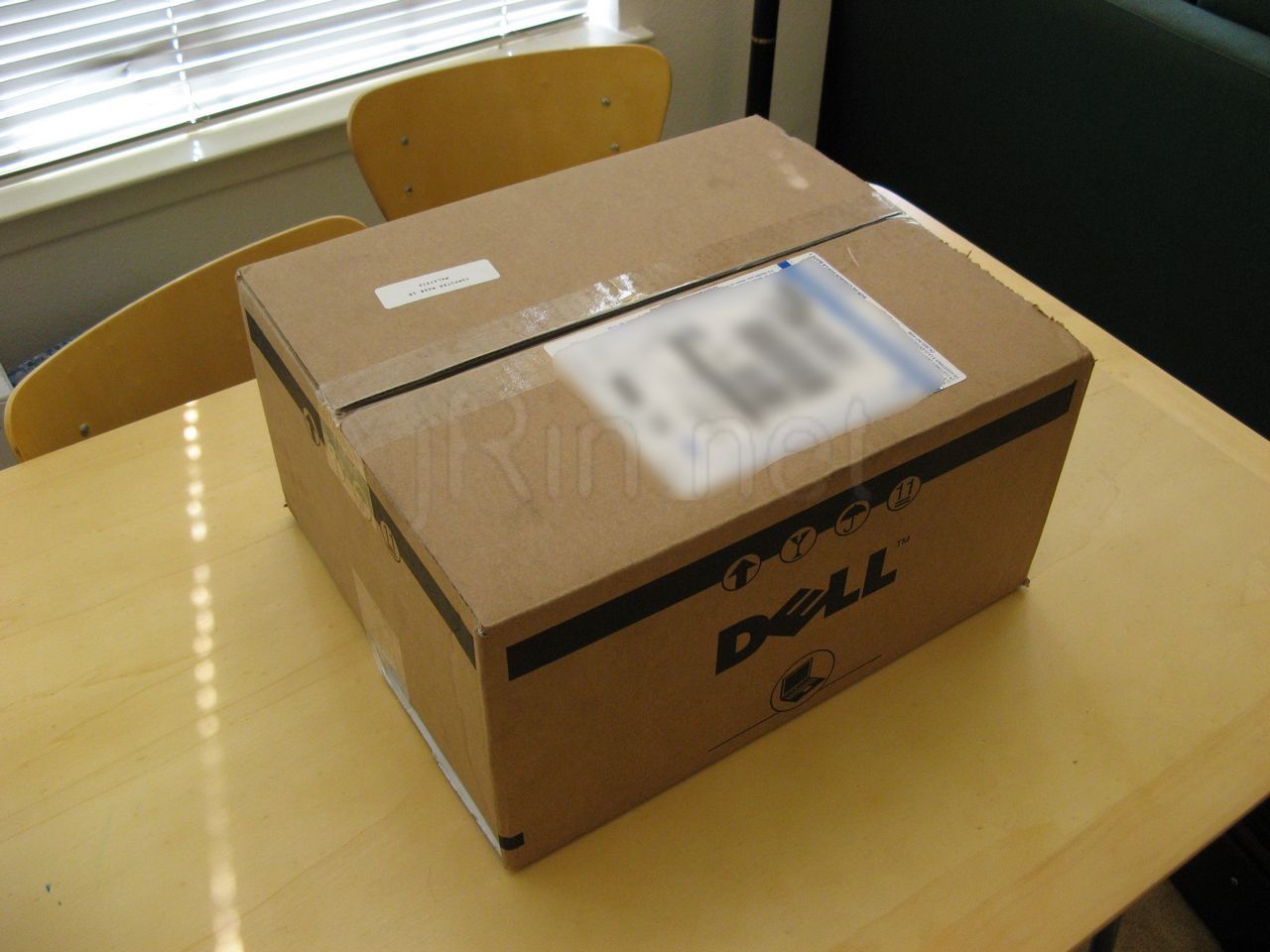
Thanks to engadget, I read the post about dell starting to ship out the m1330’s this week so I checked my order status and it had ALREADY BEEN DELIVERED!! So I got home and quickly started to unbox it!
accessories (3814 hits) |
case (4540 hits) |
wrapped (2596 hits) |
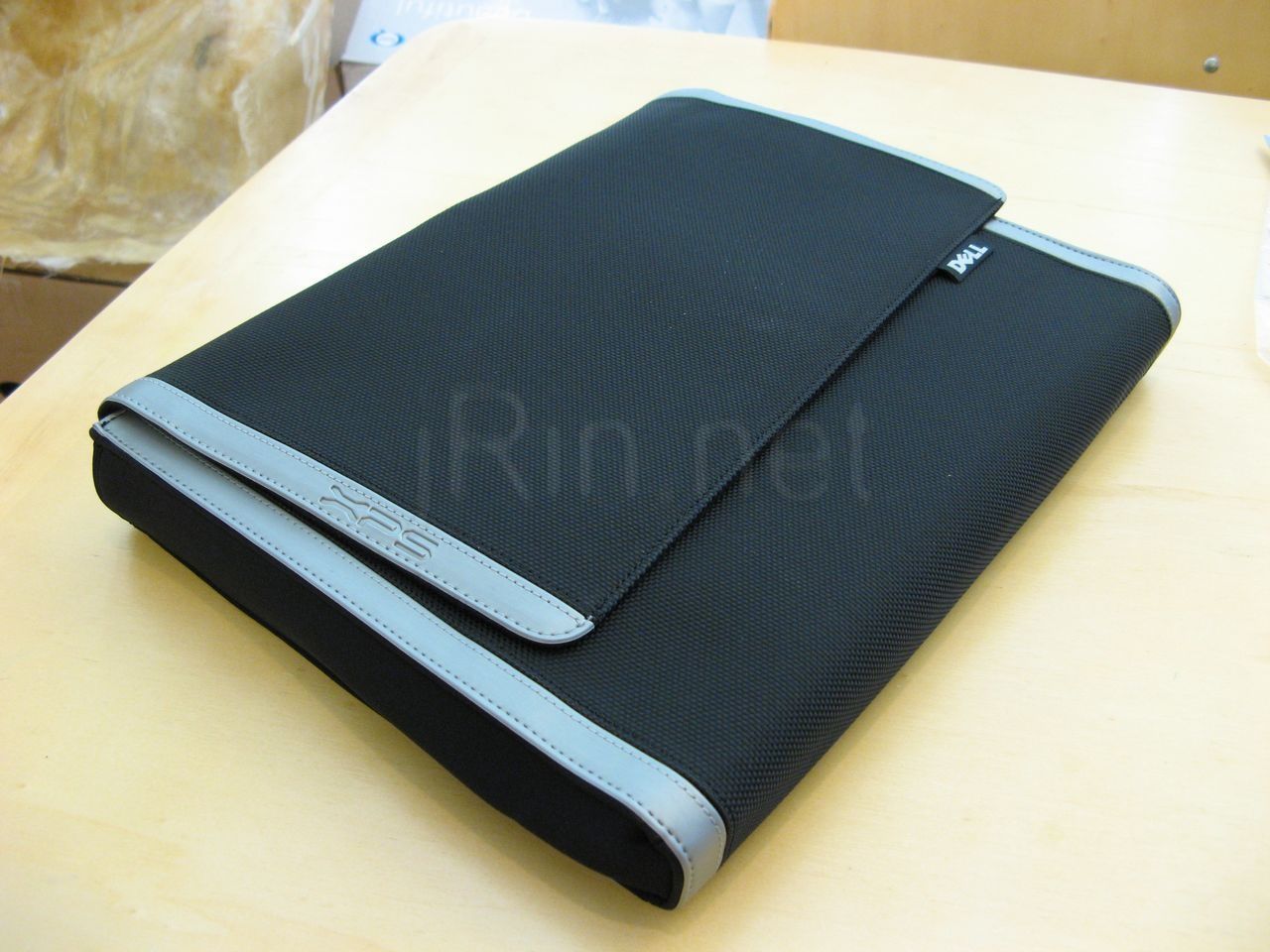
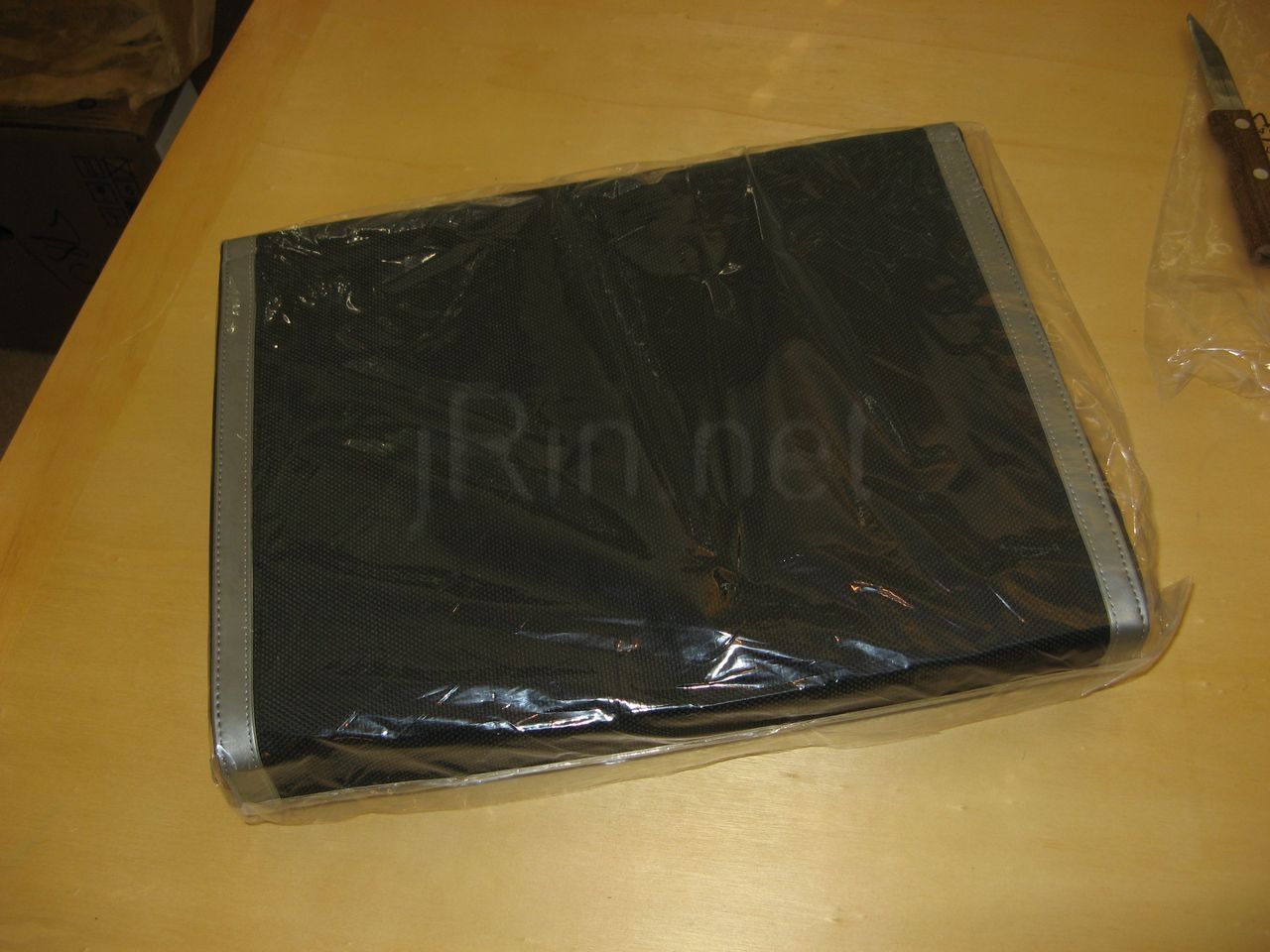
Taking everything out, you find the accessories, the laptop itself, and to my surprise, a nice little case! The accessories include an express card remote, the charger (which is only 65w, so charging may take longer than with a normal 90w, like w/my m1210), software (yes, vista reinstall comes with it), and a carrying pouch. The actual case that the laptop comes in is a nice fit, and there is no zipper or any other kind of ‘latching’ mechanism to keep the case closed the ‘lid’ has a magnet in it to keep it closed, not powerful enough to damage anything ‘magnet sensitive’, like the laptop haha — it’s like a laptop sleeve.
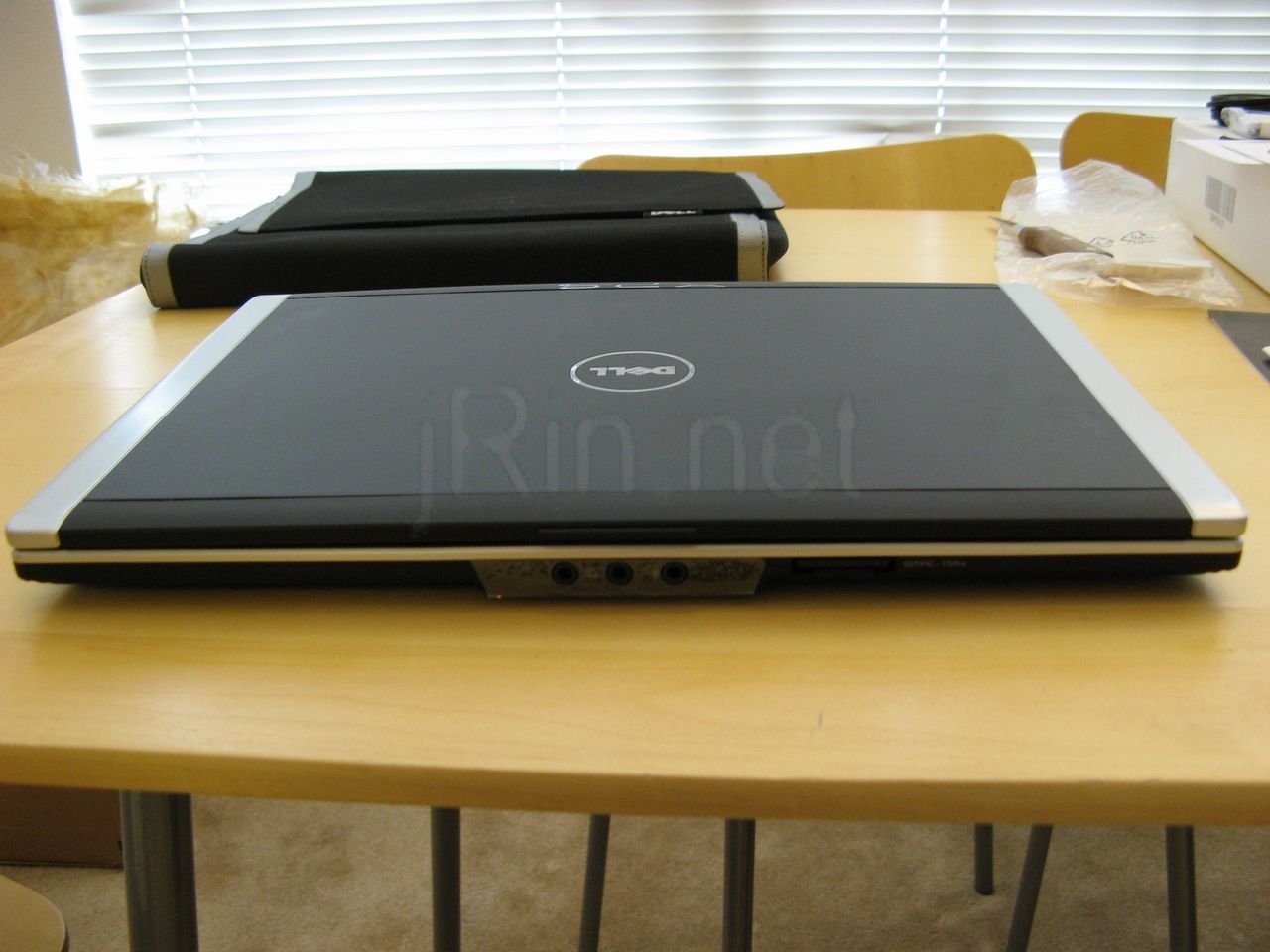
back (4406 hits) |
bottom (3138 hits) |
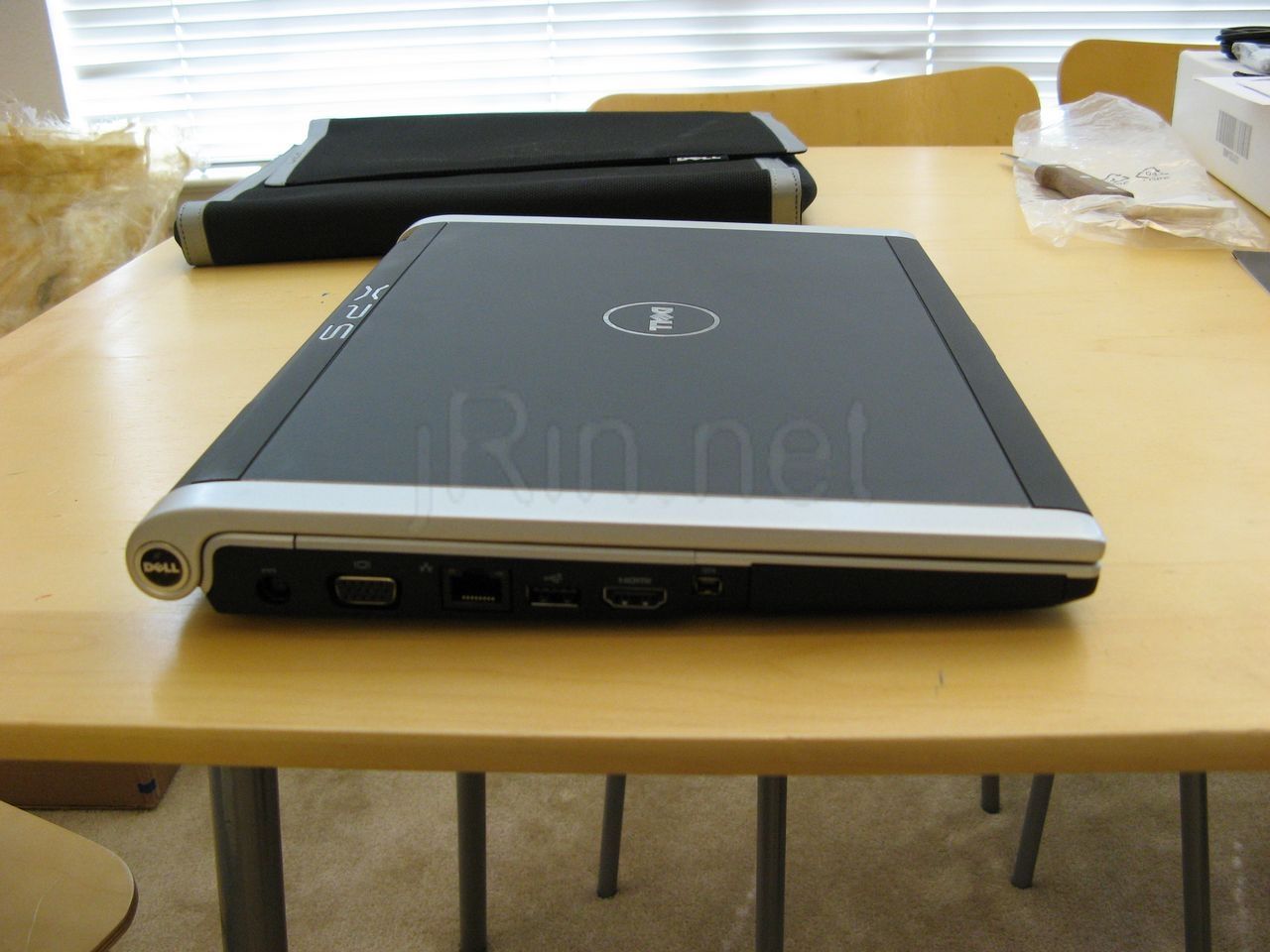
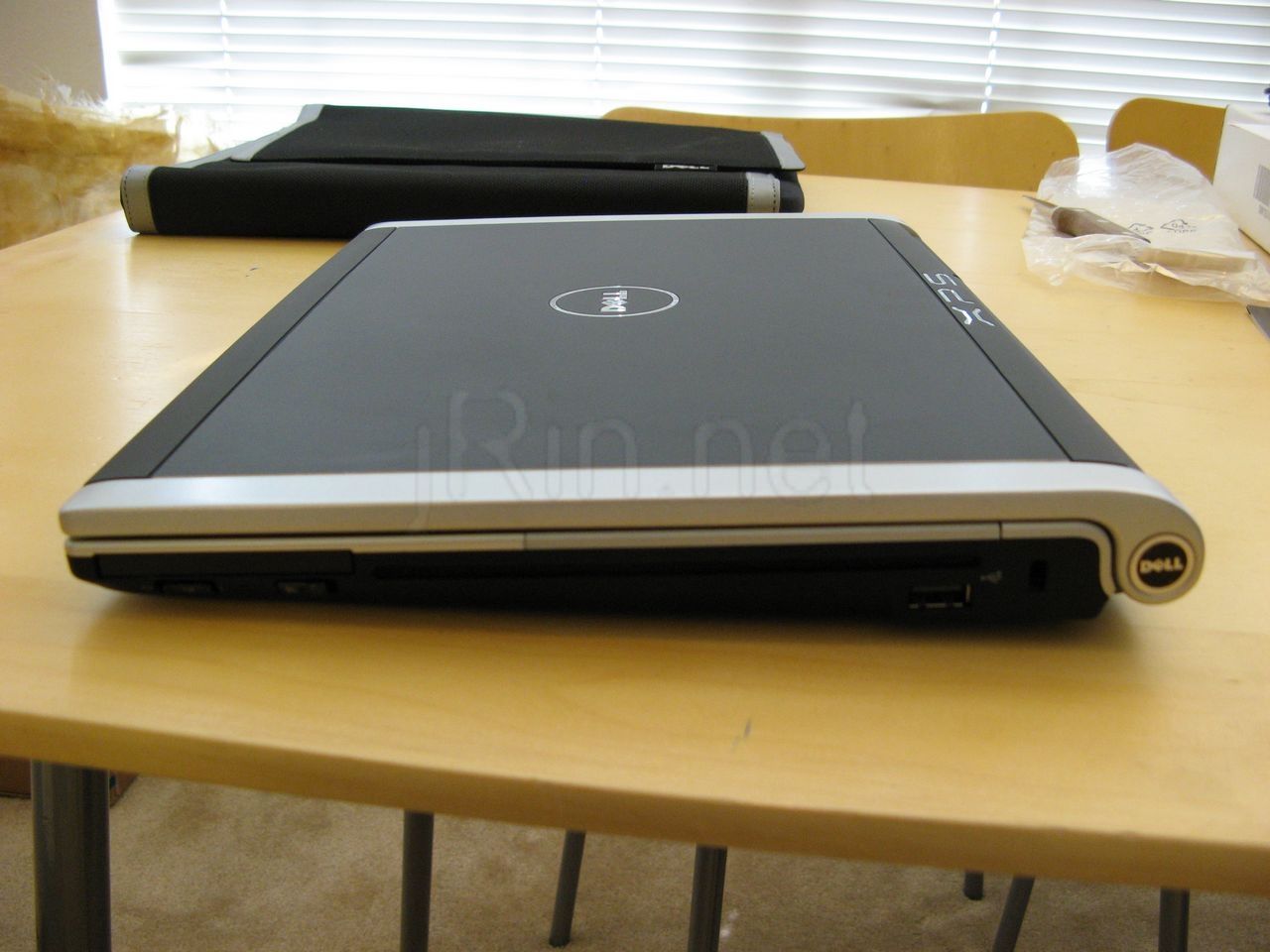
left side (3863 hits) |
right side (3459 hits) |
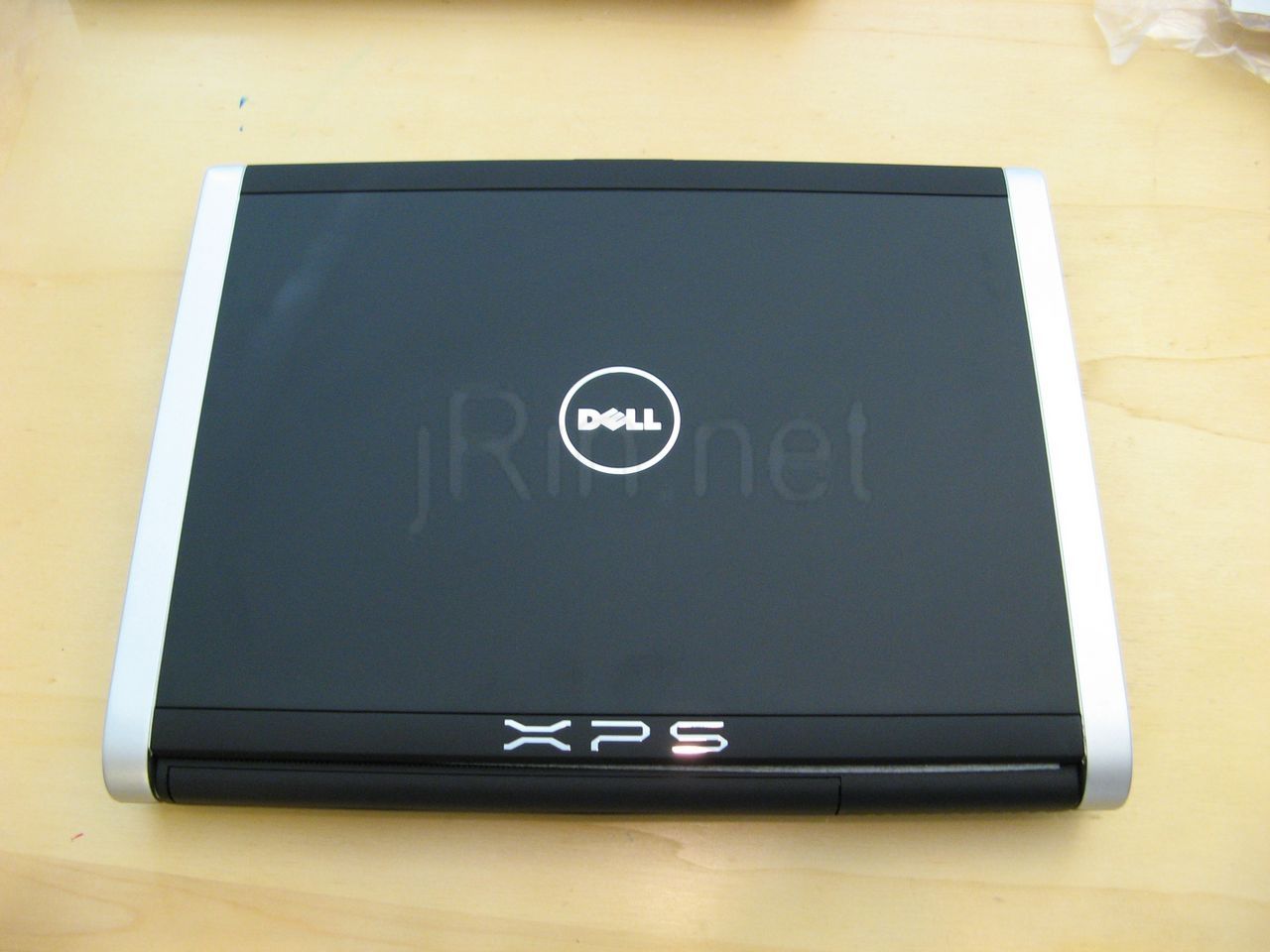
top (4103 hits) |
|
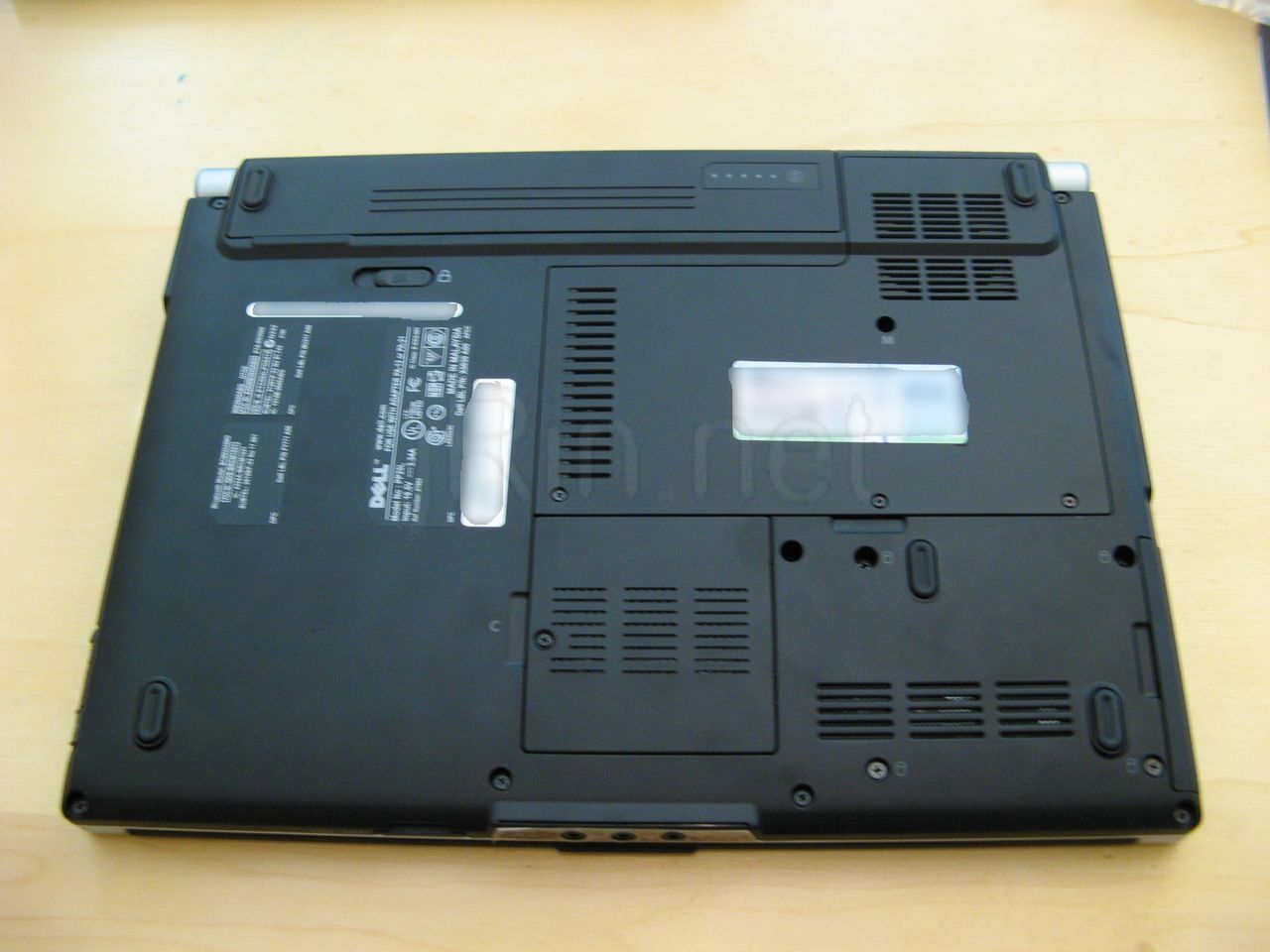
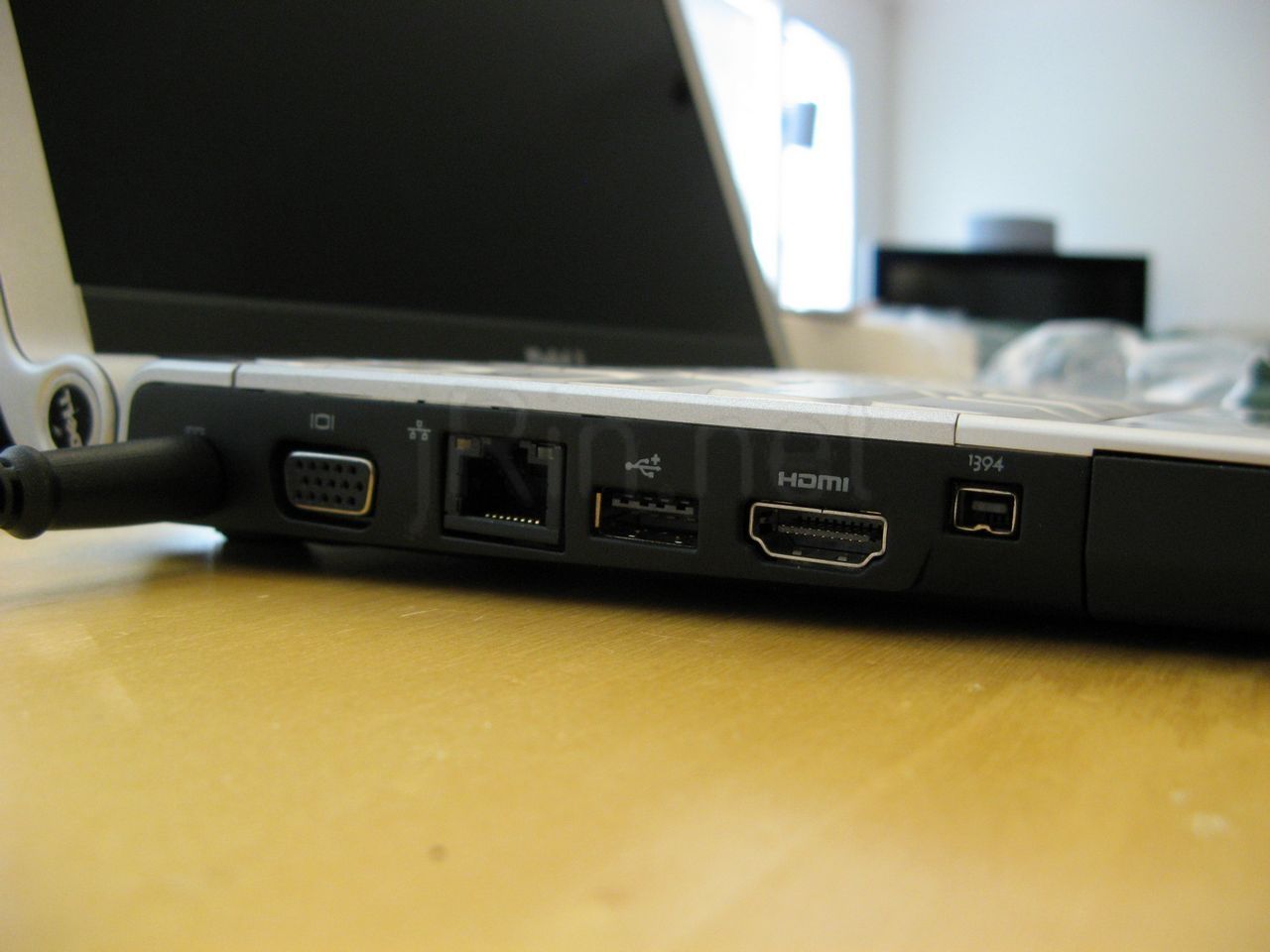
Then you have the laptop itself. It’s VERY sleek. The inside is metallic, and has plenty of ports to go around — check the pictures and see for your self.<,/p>
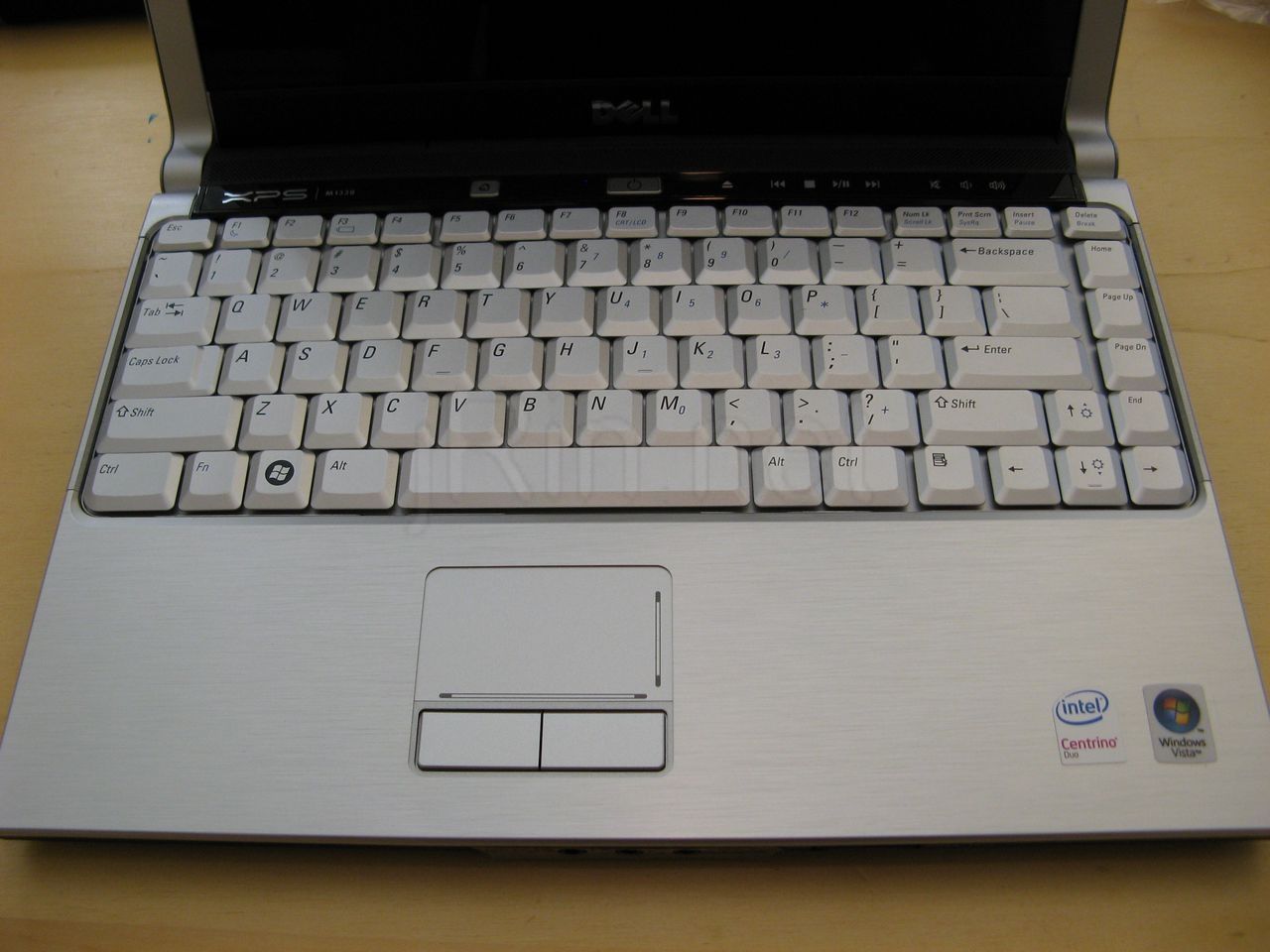
keyboard (4395 hits) |
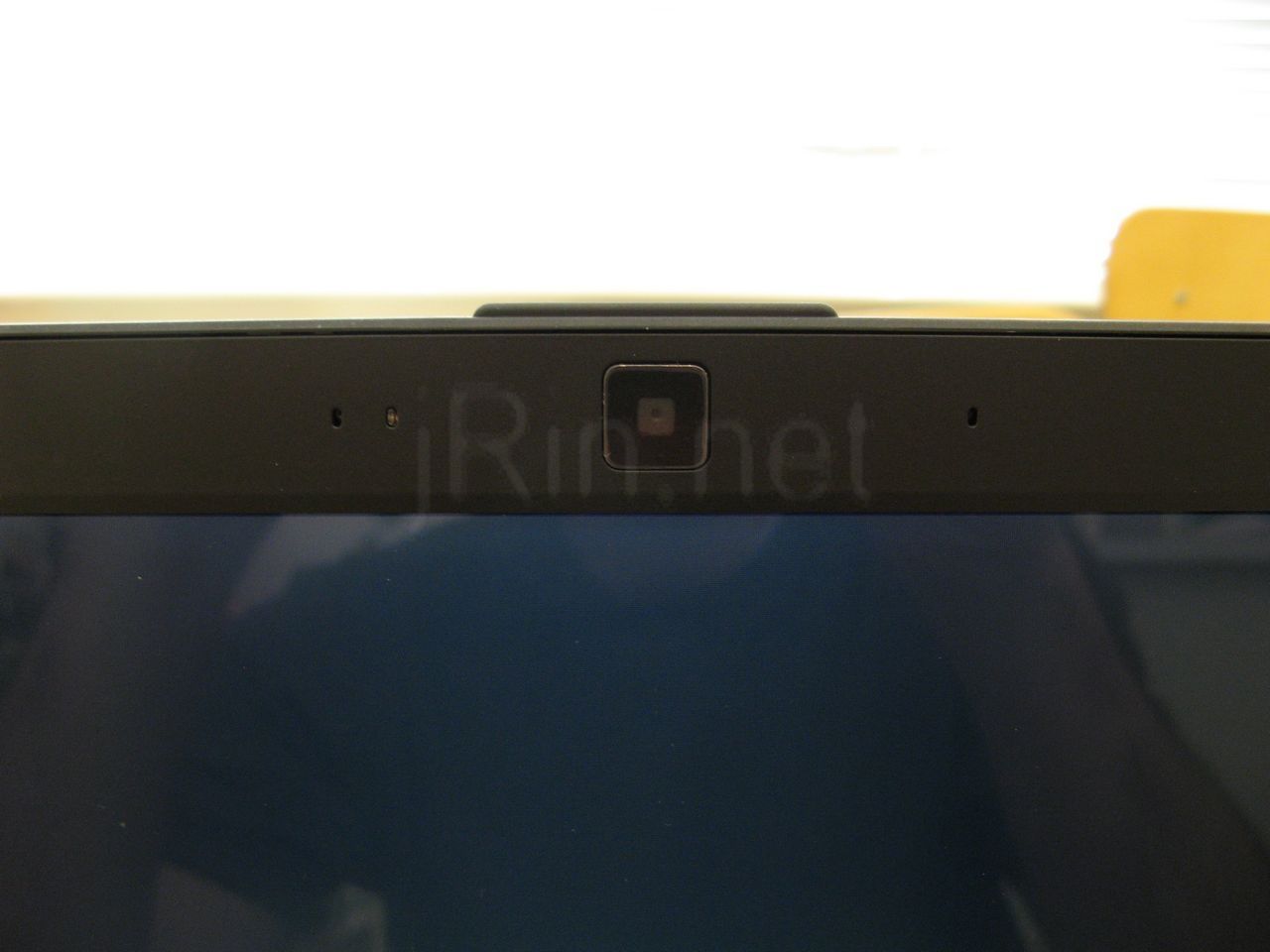
webcam (2488 hits) |
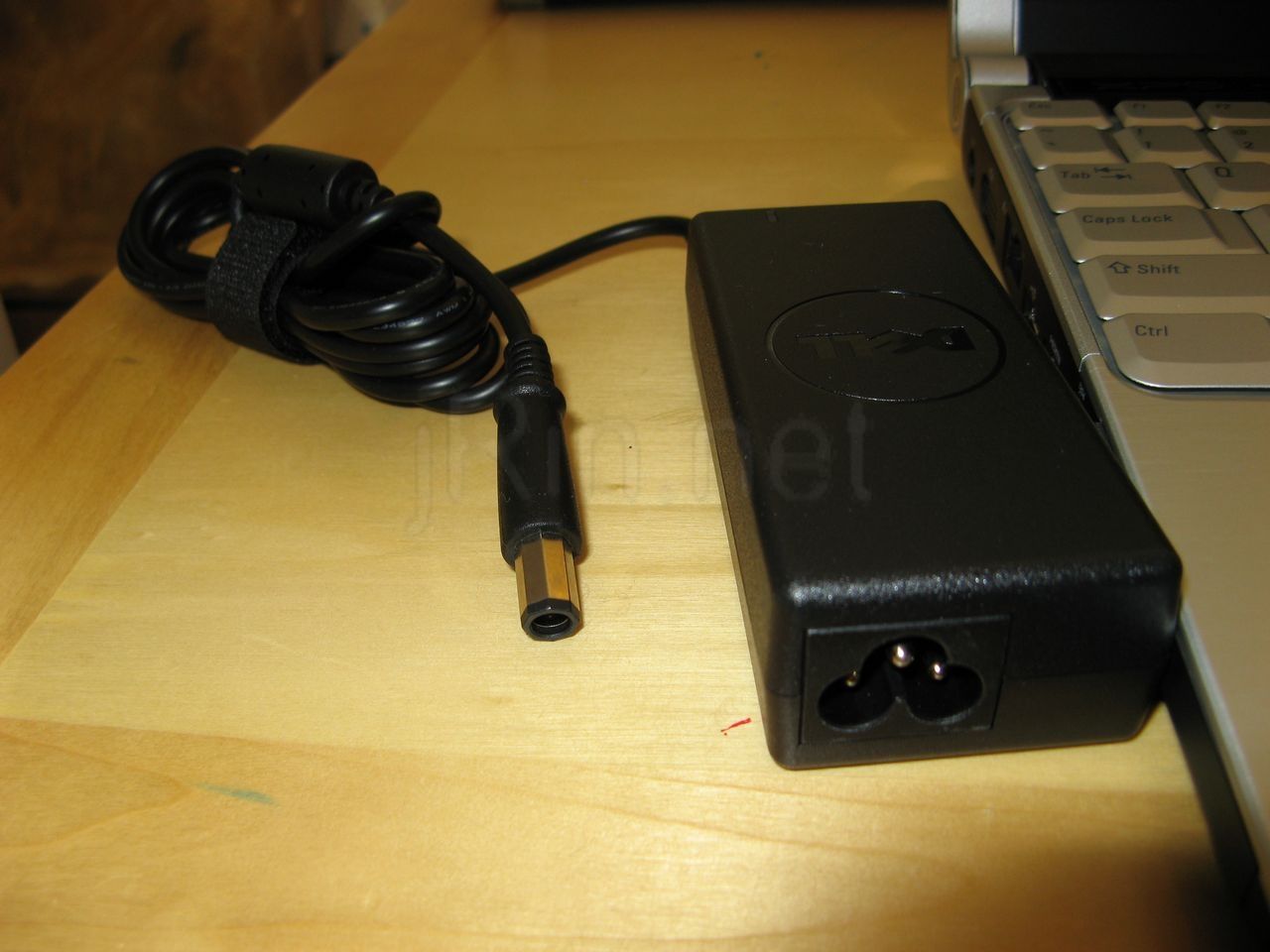
charger (2687 hits) |
Now, I don’t know if this is supposed to be like this, but the keyboard seems to be a little ‘curved’. The middle is a bit raised (higher) than either side…. I still haven’t decided if this is by design or by …. fault? haha (you can’t tell from the picture — I tried and tried to picture it, it just wouldn’t show!). The webcam (this is the VGA one since the display is LED backlit) sits flush w/the panel. Oh, and the charger is nice and small, which a weird shaped (not circular, but octagonal) and is just as easy to plug in as a normal plug.
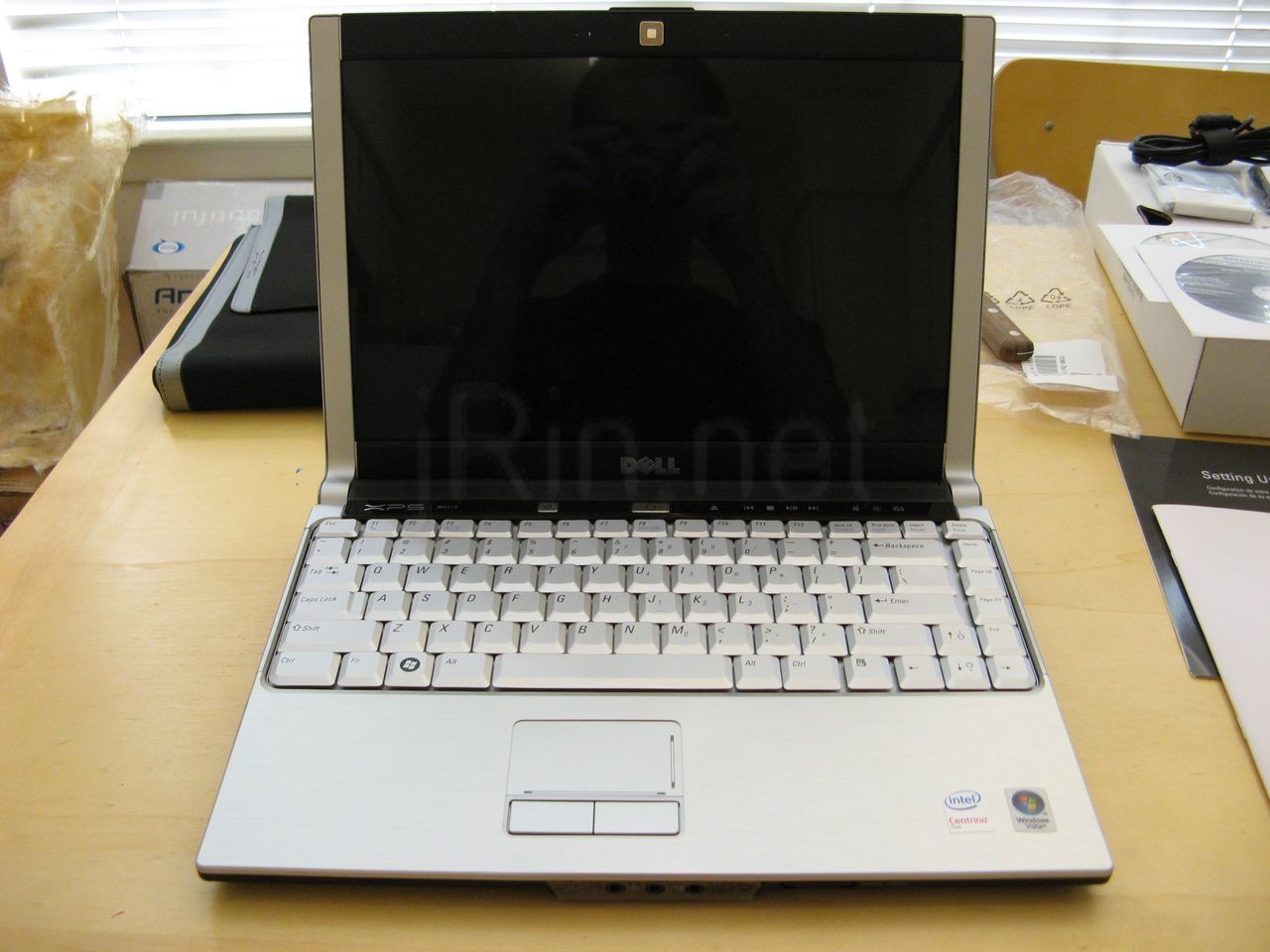
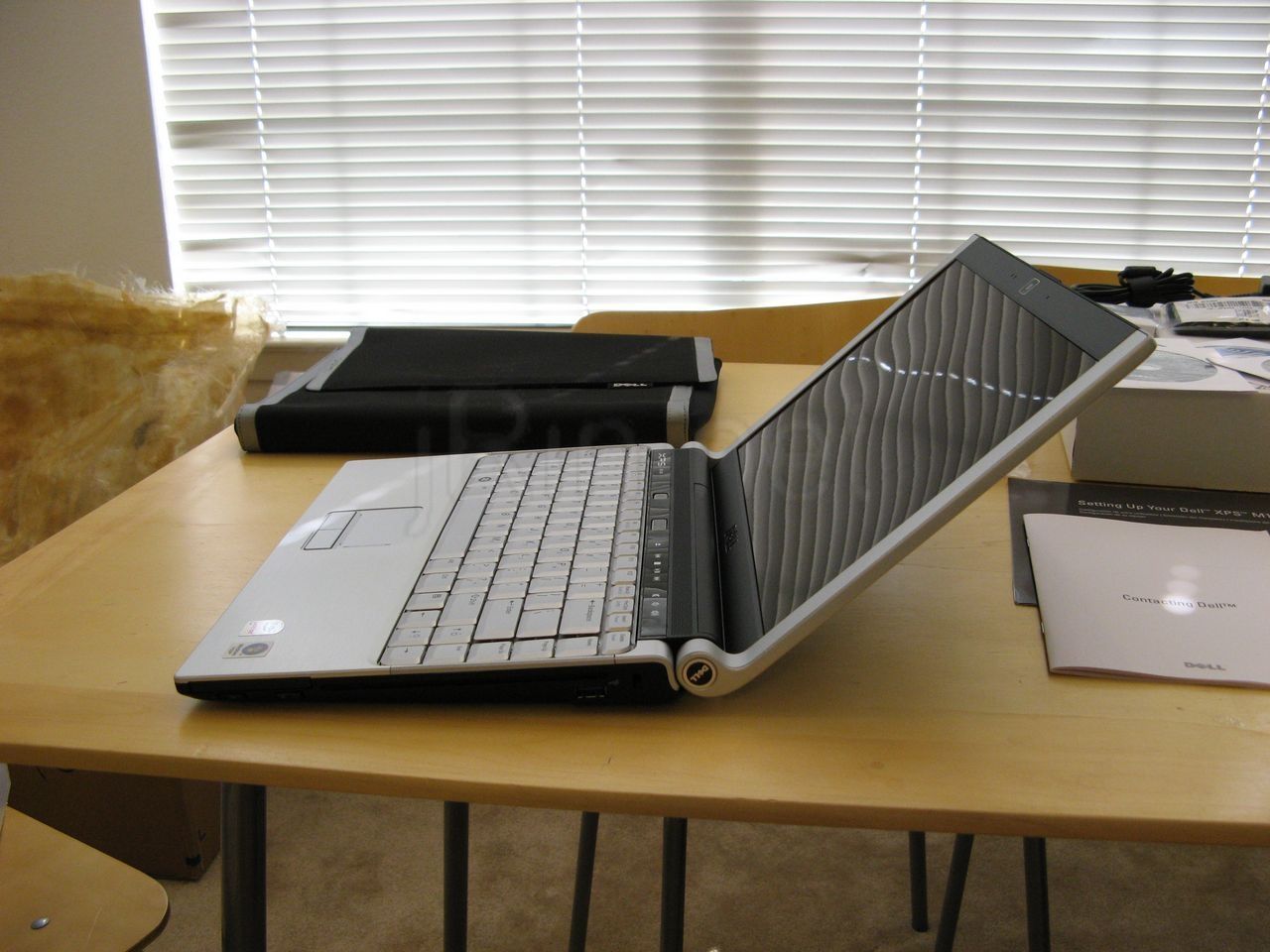
opened (2962 hits) |
fully opened (5174 hits) |
Now here is the screen open (left), and in the right picture, it shows how far it can open. I miss being able to open the screen a full 180 degrees like the m1210, but I’ll get used to it (besides, how often did I need to open it that far? never!)
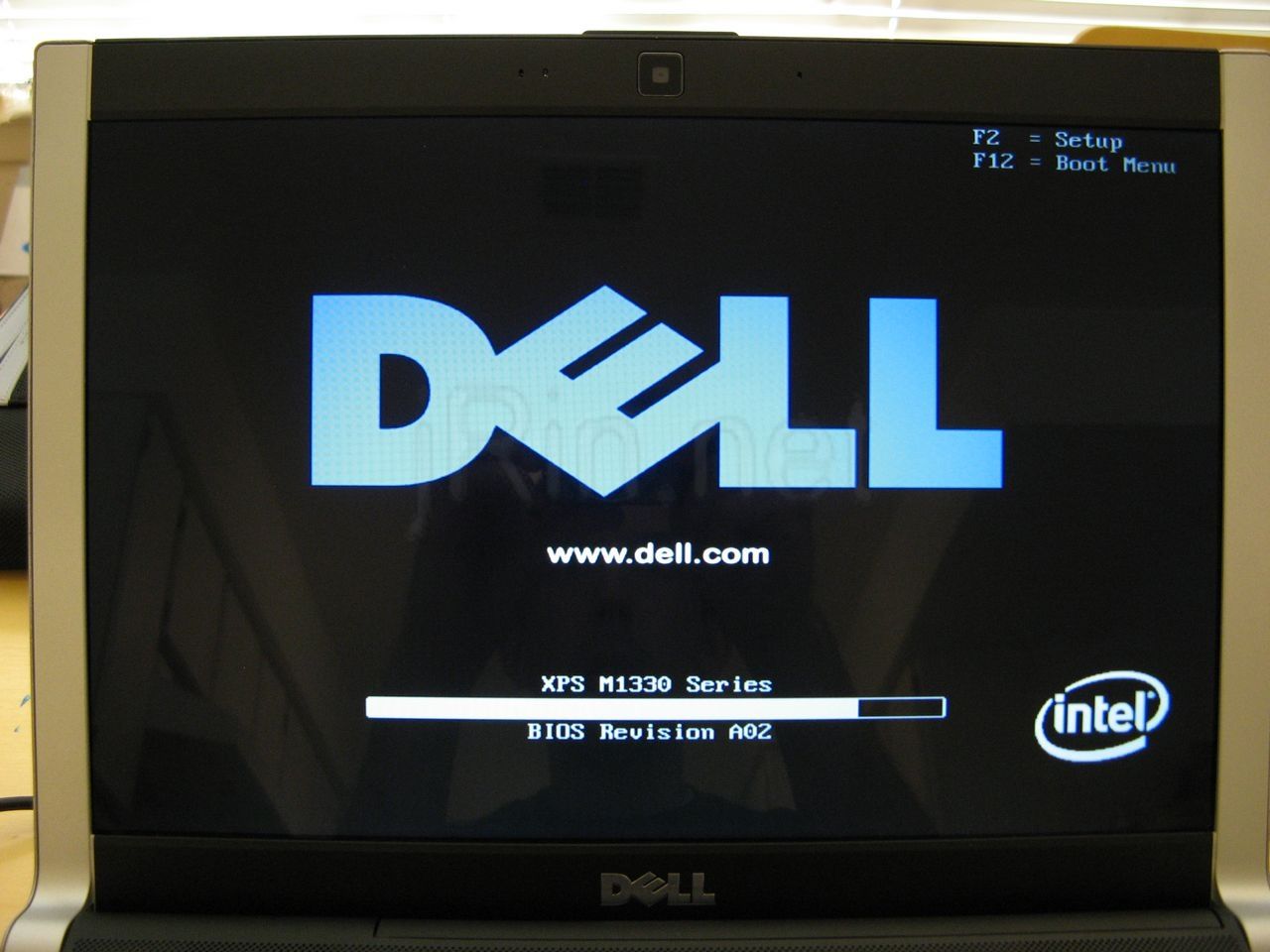
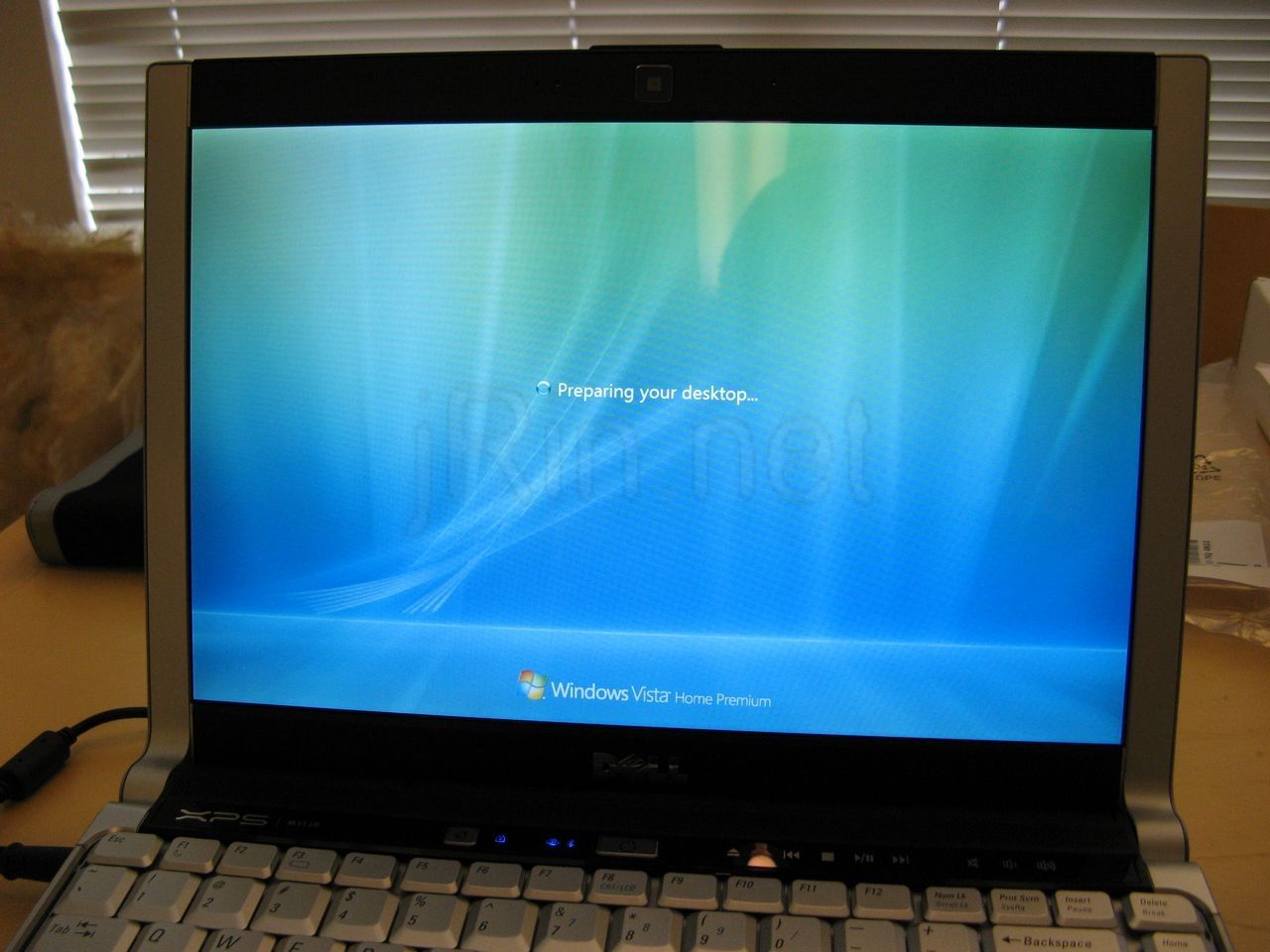
first time boot (2286 hits) |
welcome screen (3011 hits) |
Here’s the first bootup of the laptop — everything going as you’d expect, dell logo, windows welcome screen….
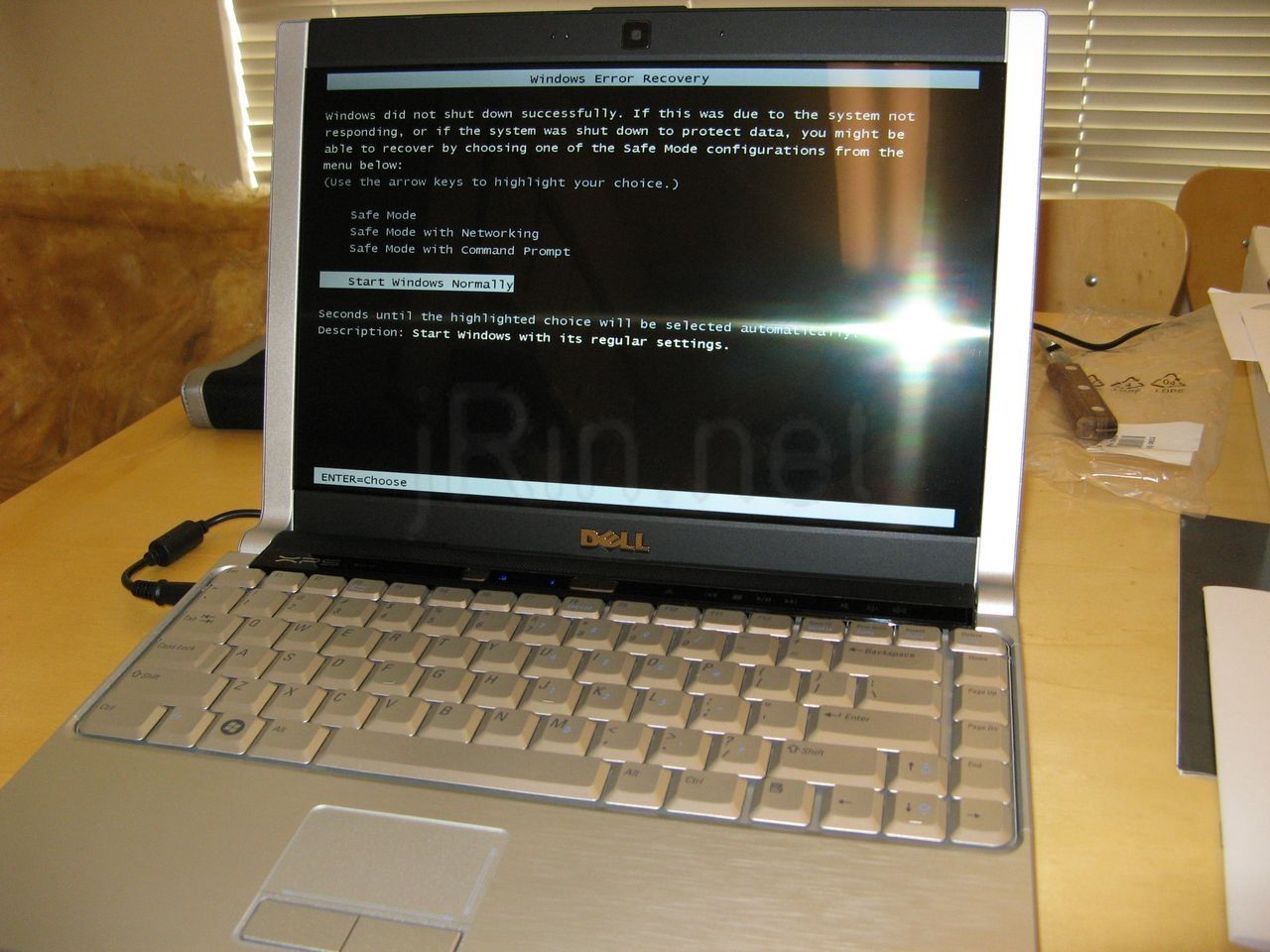
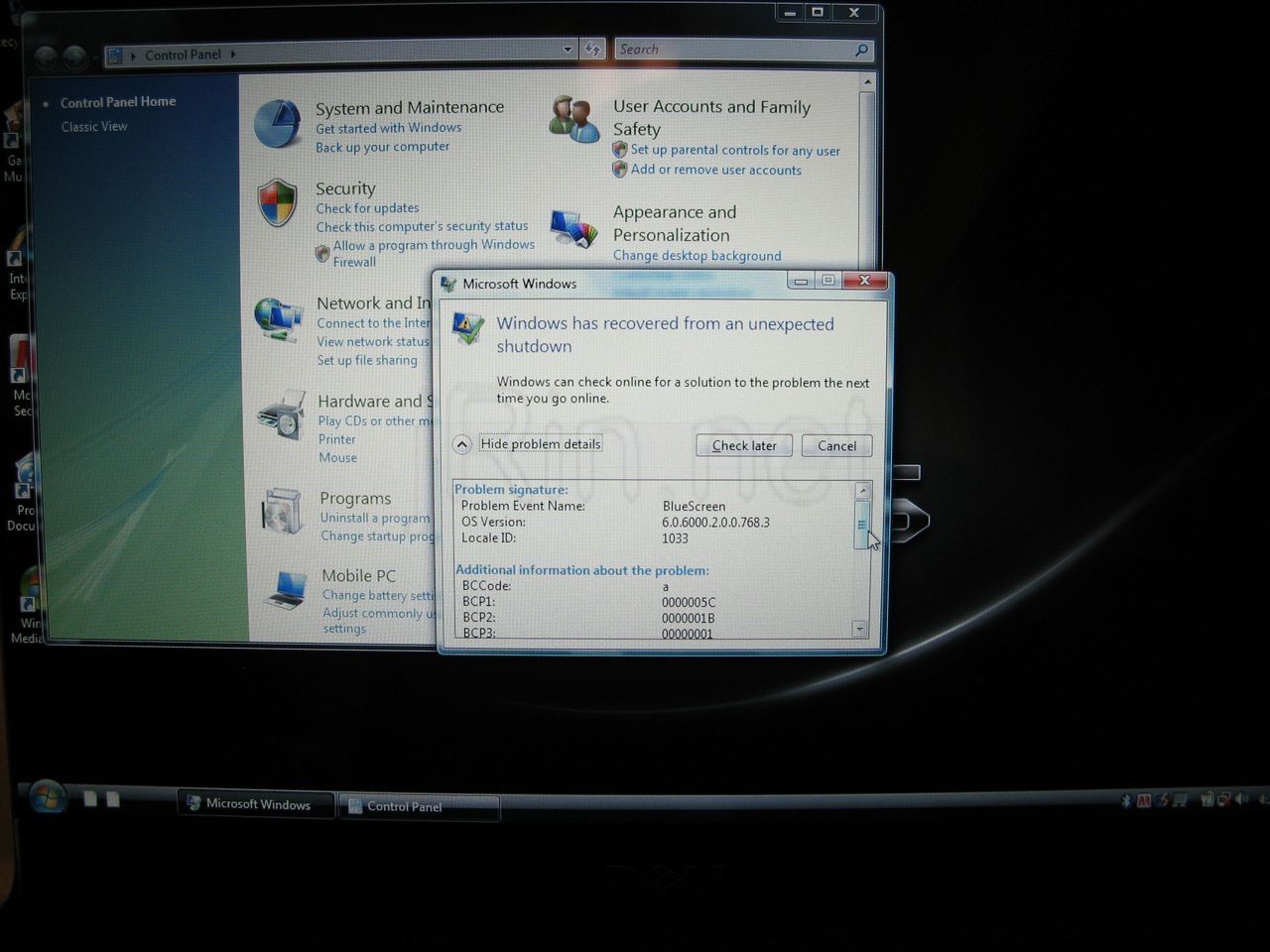
windows error (3717 hits) |
blue screen err (3358 hits) |
but then, as windows was starting up, I got the blue screen error (figures..), windows rebooted, and upon logging back in, had this error message. Now, I’m hoping this is a one time thing, or at least it’s just a vista thing (I plan to put XP on it later)….but we’ll see…..
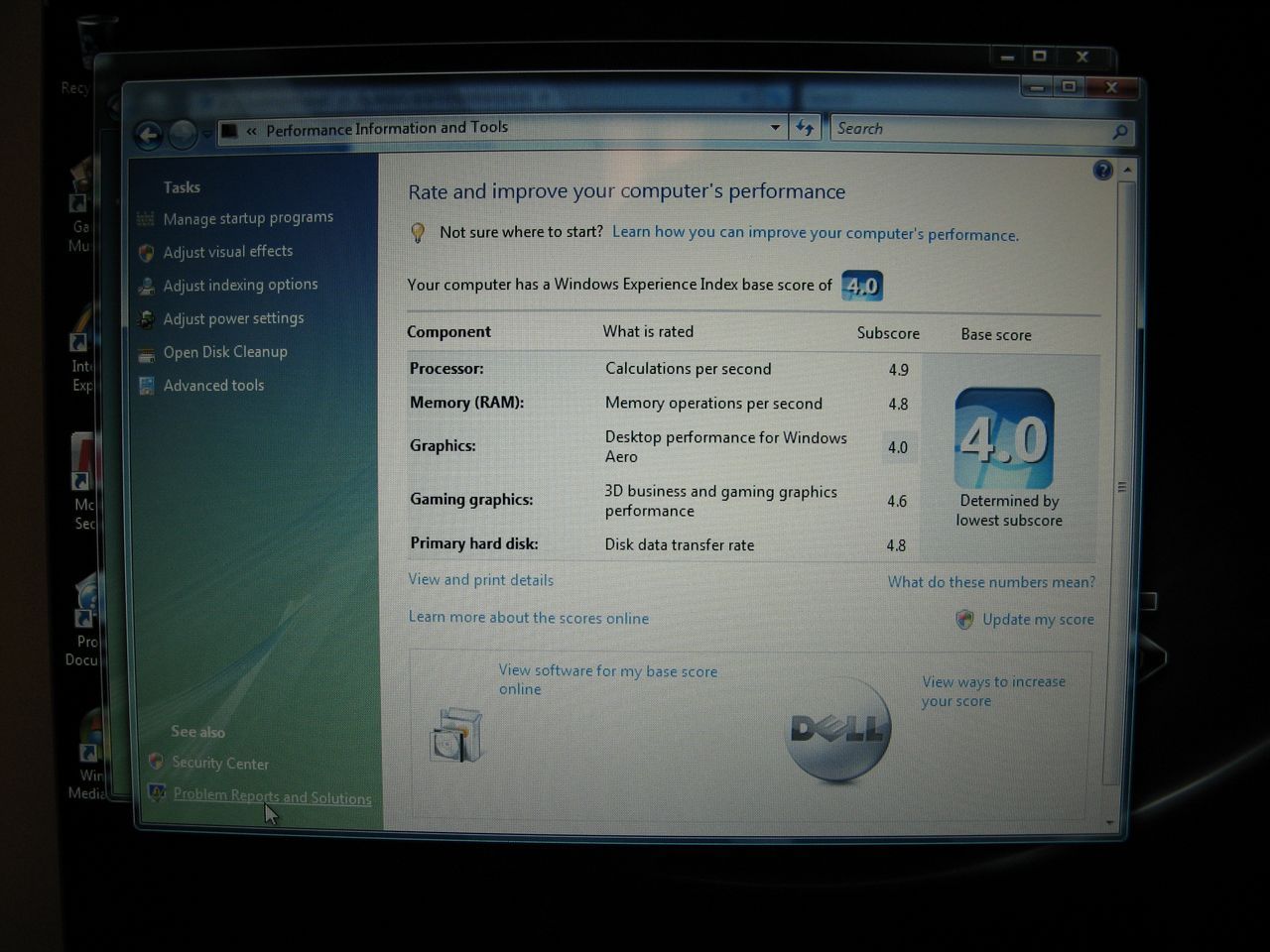
vista score (3800 hits) |
unknown chip (2478 hits) |
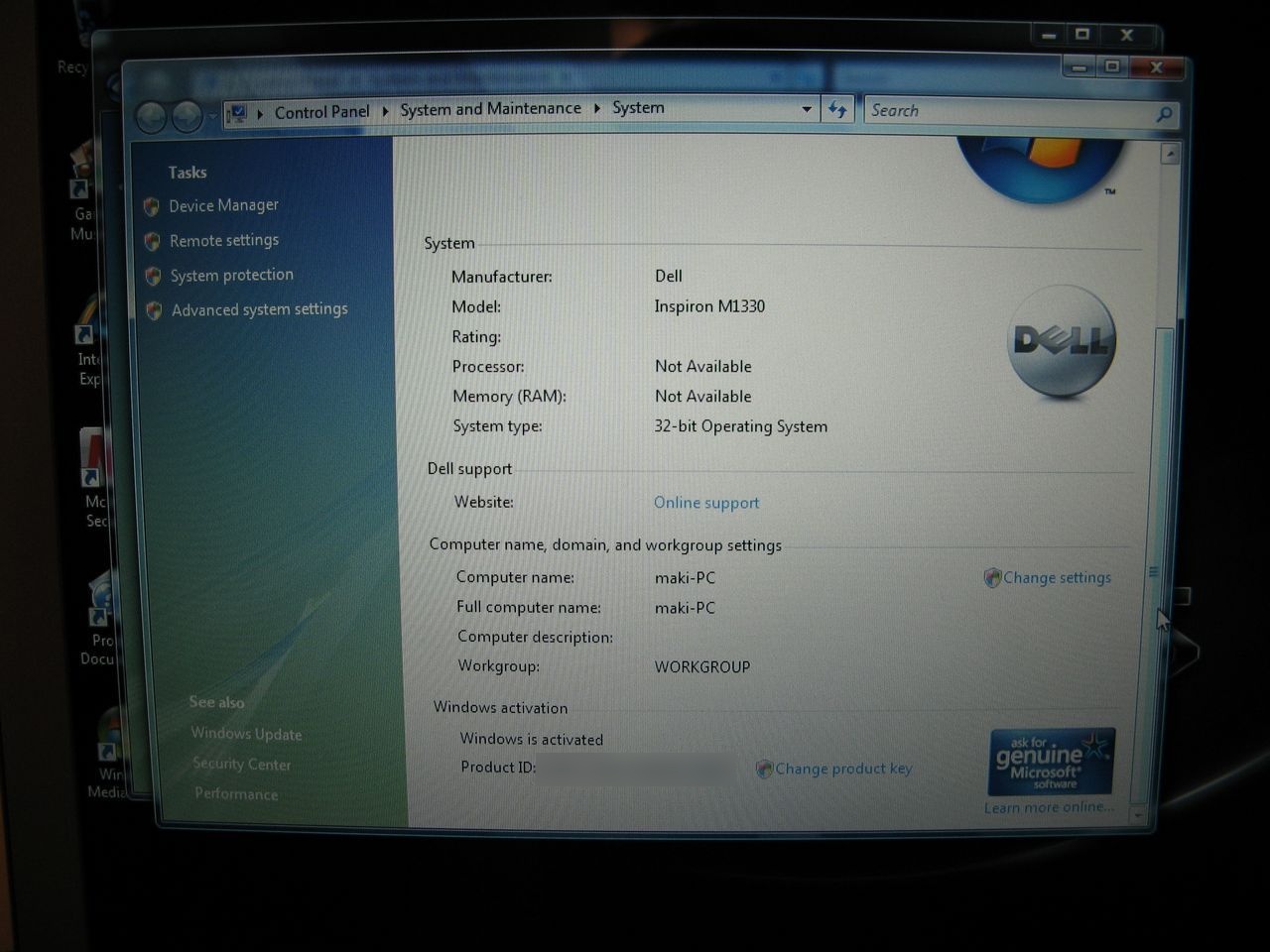
Here we can see this laptop gets a 4.0 on the vista scale (good? bad? I dunno!), and look at that! I have an unknown processor! hmpf…. wonder if that has to do w/the blue screen error I had…..who knows!
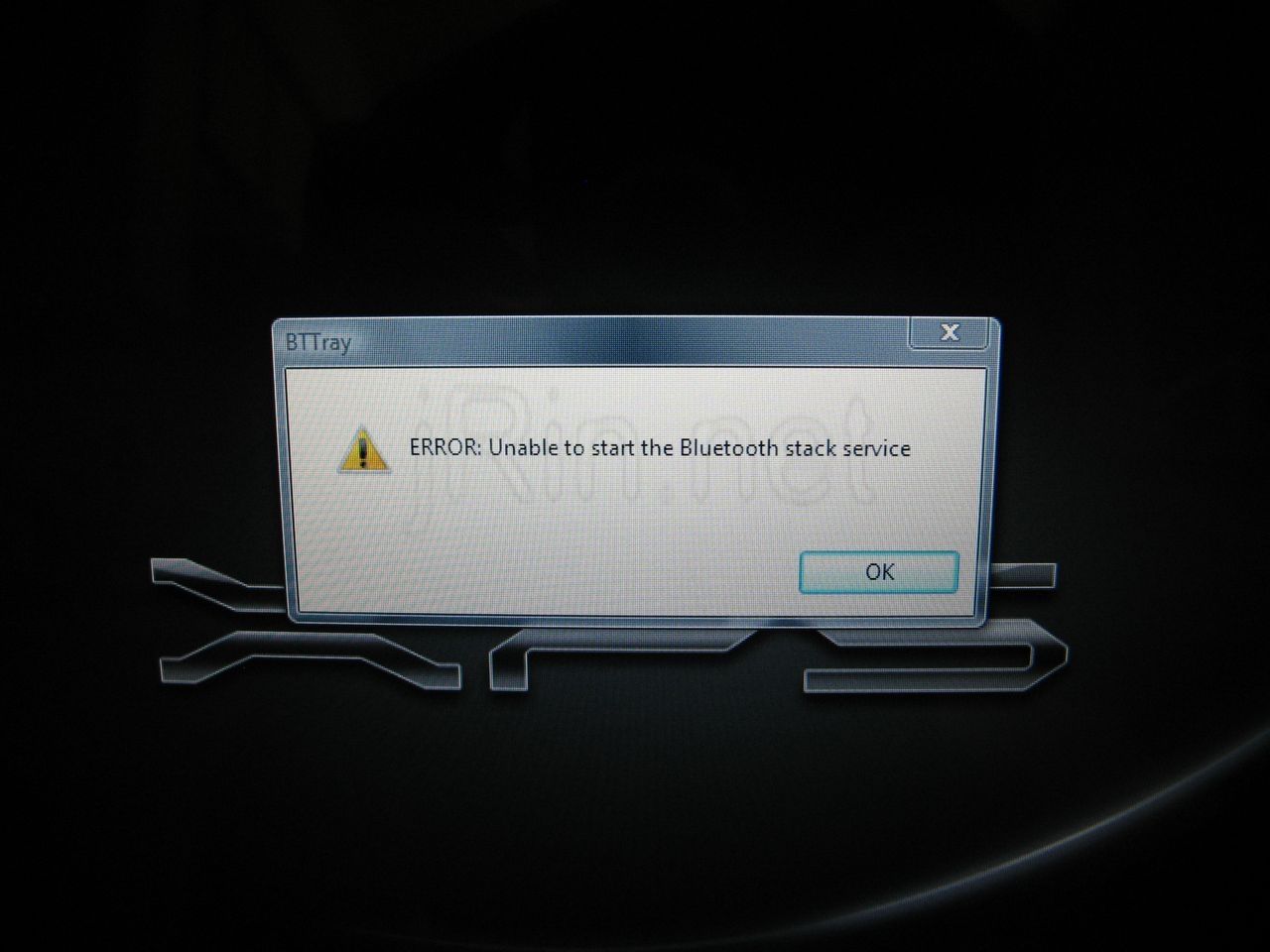
bluetooth error (2272 hits) |
so I went to eat some dinner, and came back, and look what sneaked in! a bluetooth error!! this is starting to aggravate me. I REALLY hope this is just vista issues!!!
Okay, now I haven’t got to using it a lot yet, so I will add to this review later after I’ve used it (heat, battery life, speed, etc) — but for now, here are some pictures comparing it to the m1210!
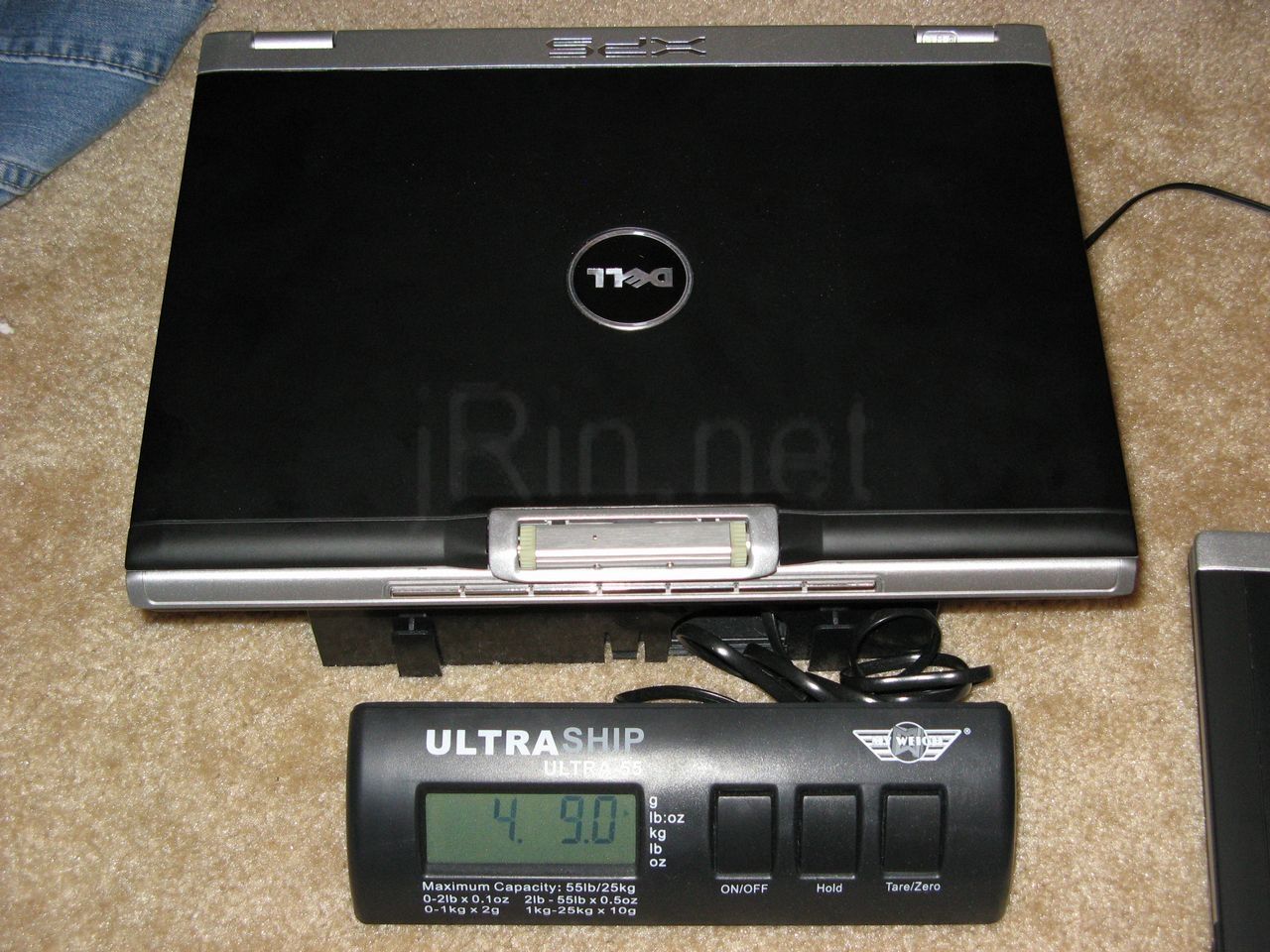
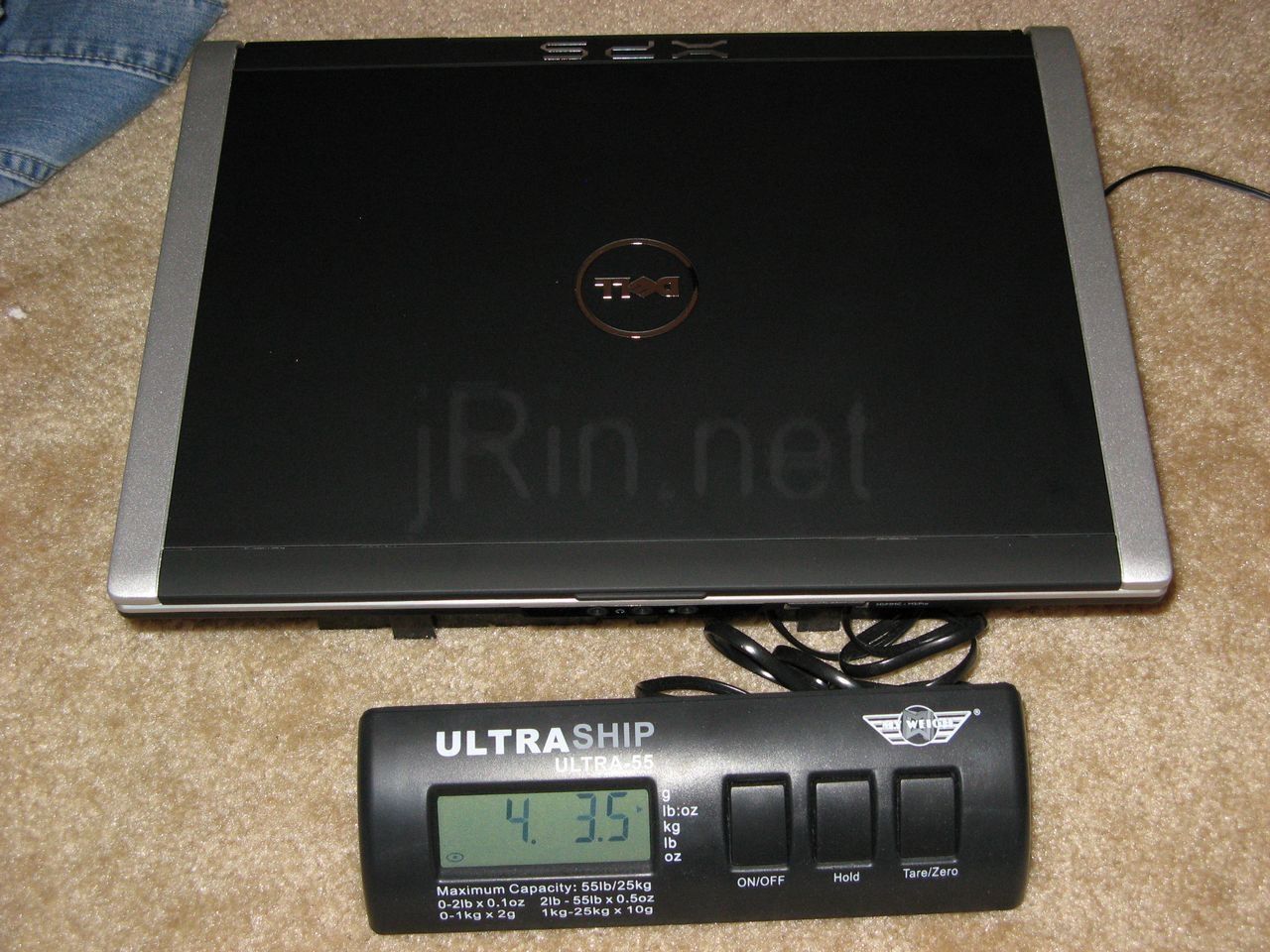
m1210 4.90 lbs (3277 hits) |
m1330 4.35 lbs (3405 hits) |
here we’ve got the weights of the m1210 (left) @ 4.9lbs, and the m1330 (right) @ 4.35lbs.
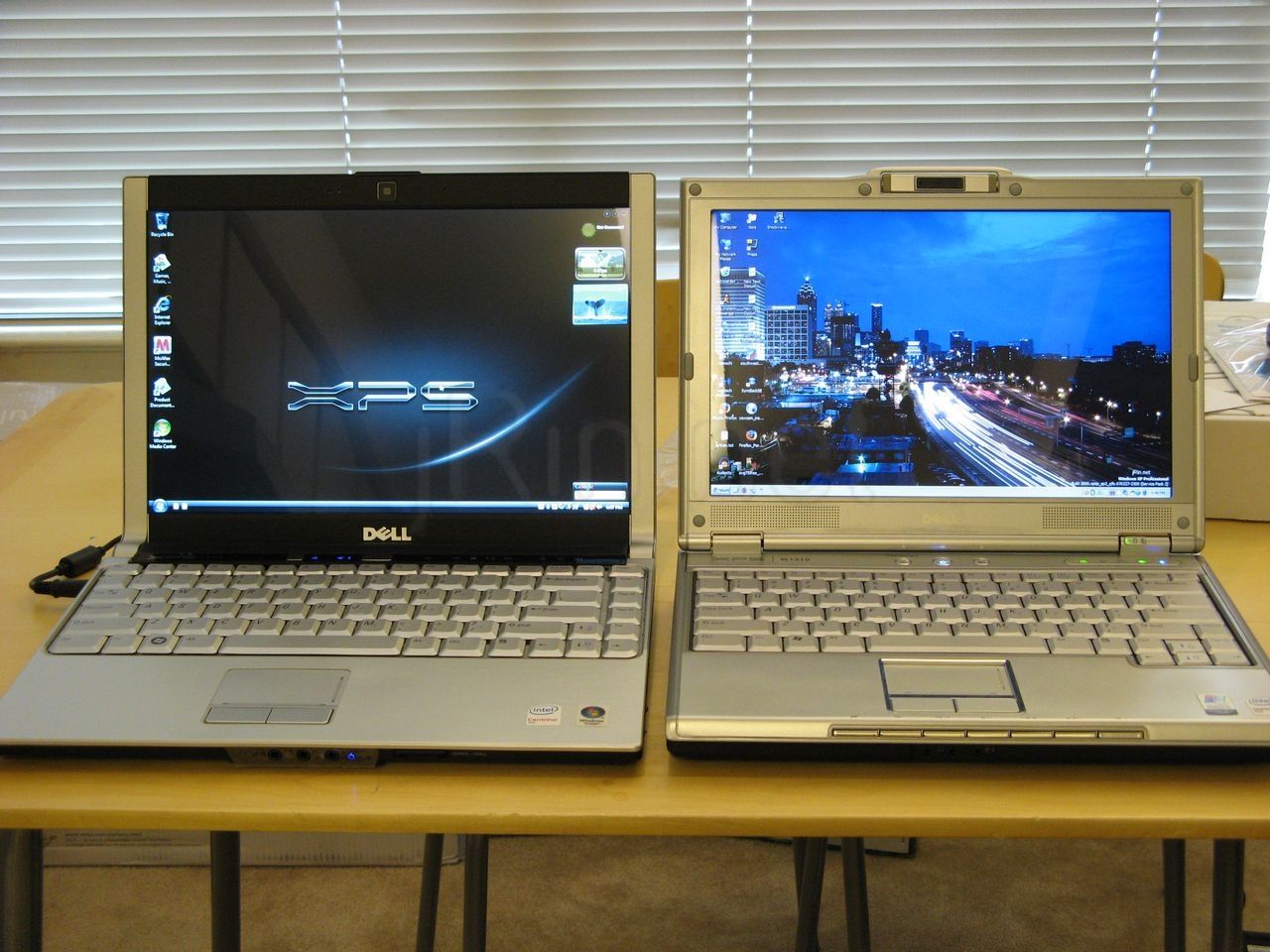
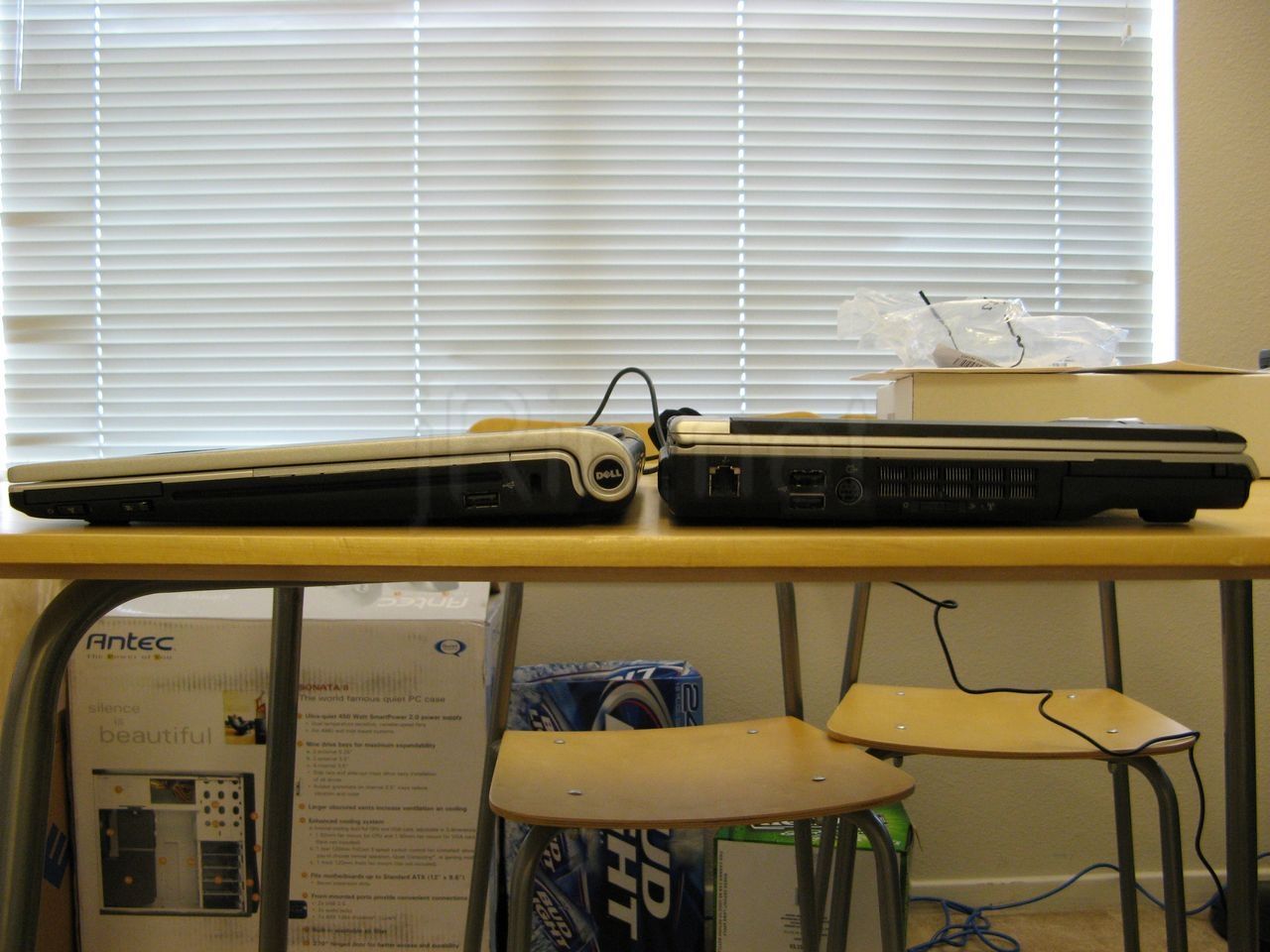
side by side (6399 hits) |
side shot (2675 hits) |
Here they are side by side,
stacked overhead (1296 hits) |
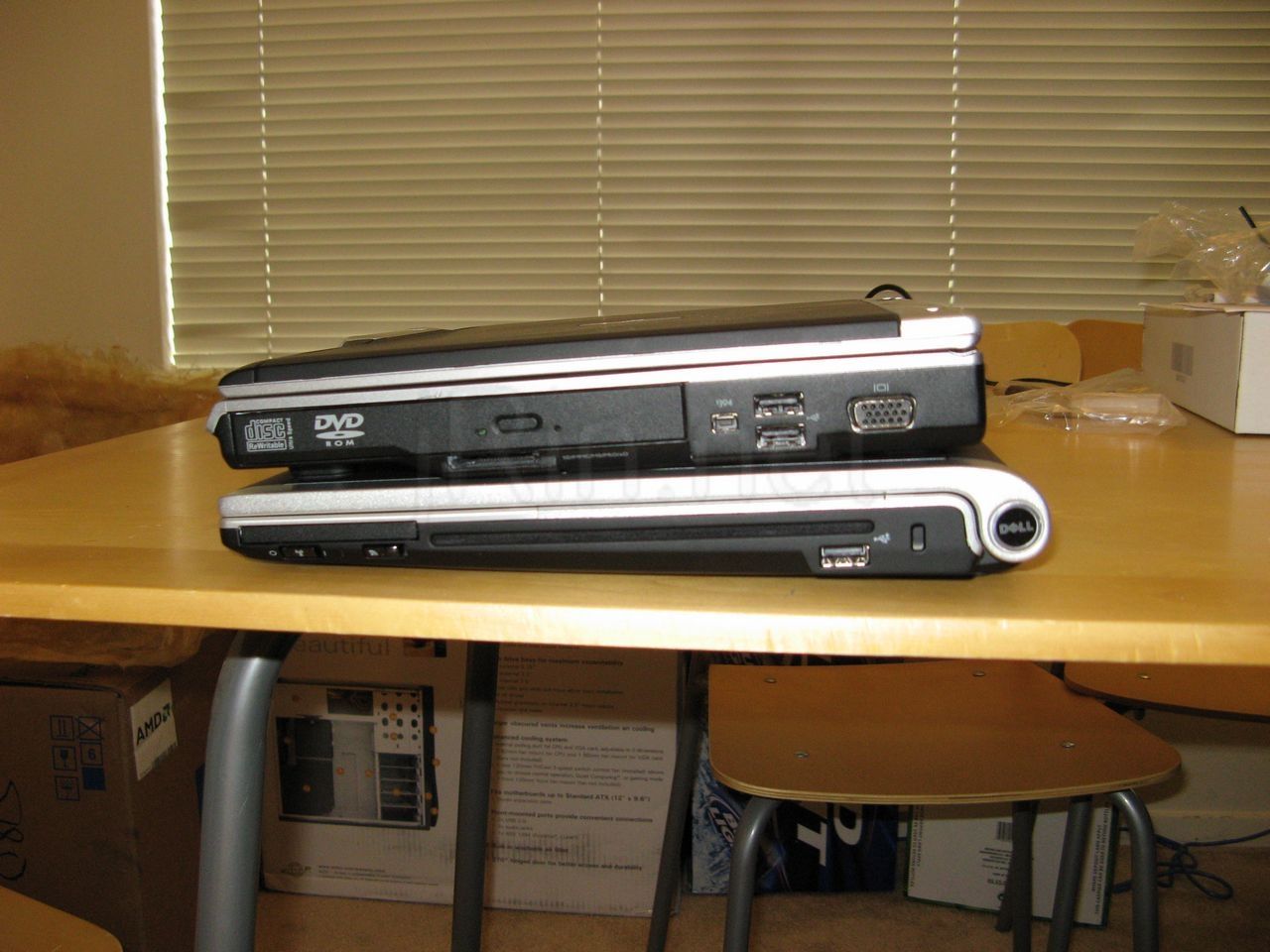
stacked side shot (3927 hits) |
stacked on top of each other,
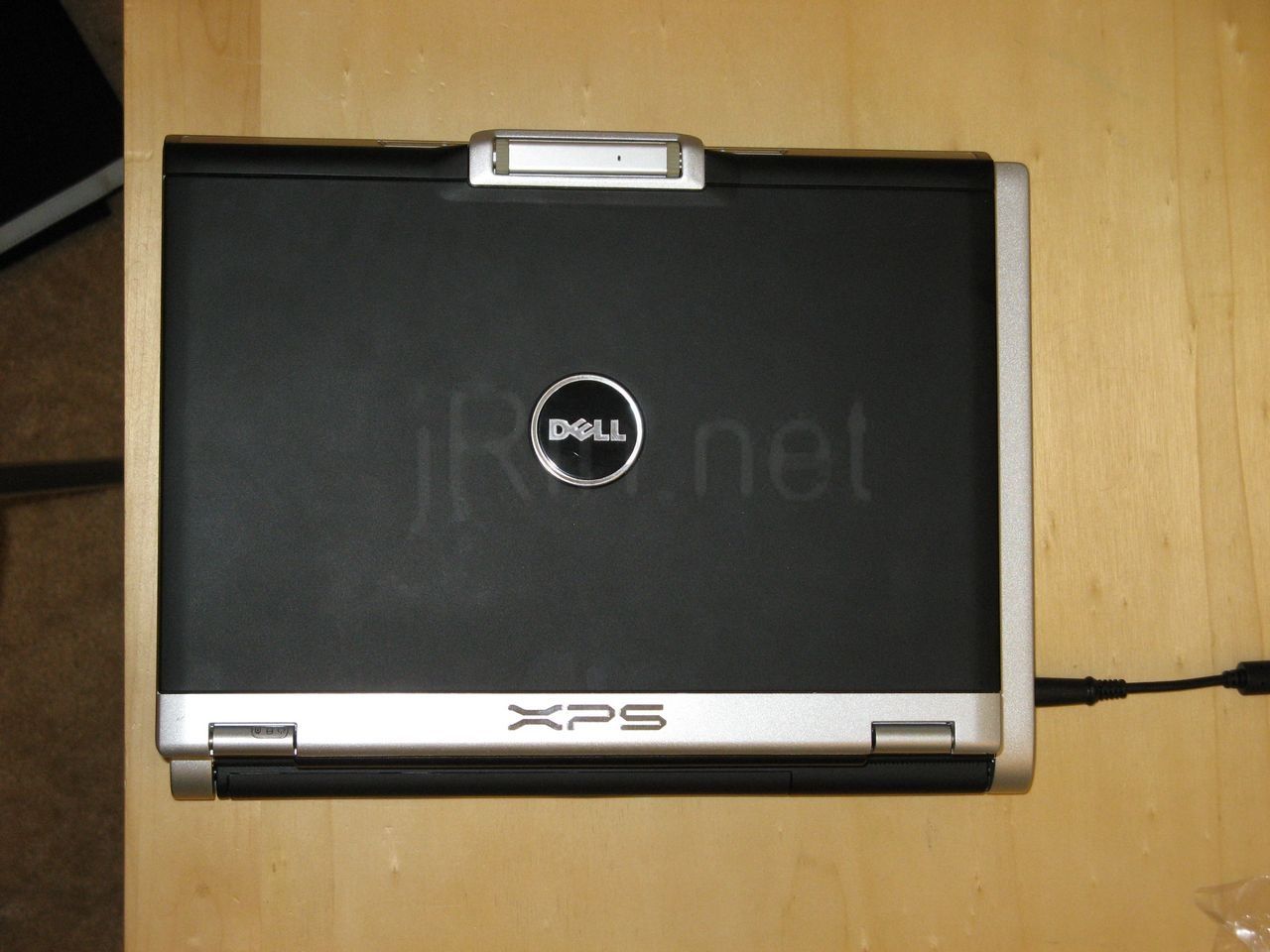
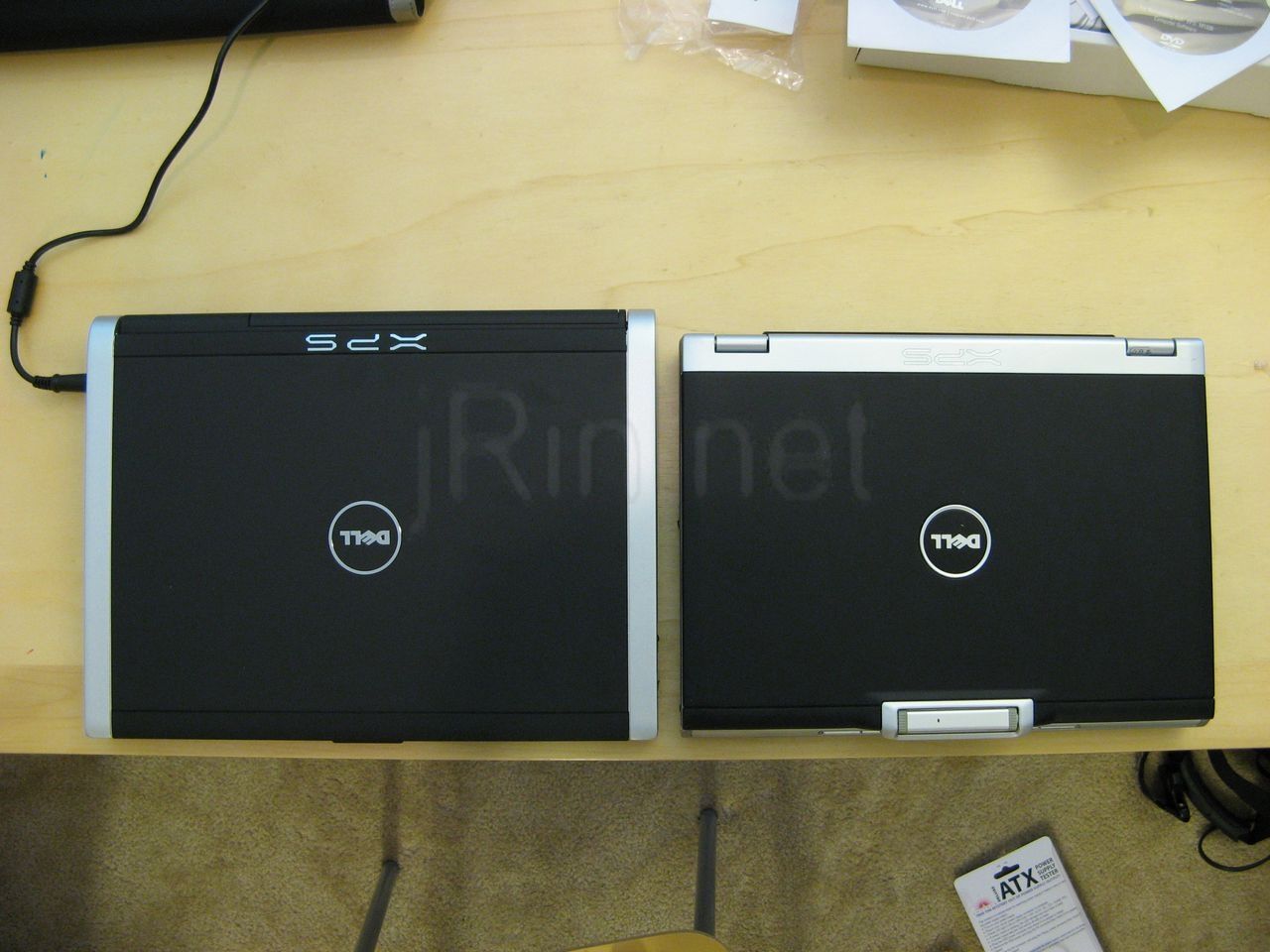
overhead compare (3398 hits) |
and an overhead shot!
Now, like I said, I will be updating this review within the next few days to write more about actually using it — I’ve spent enough time taking these pictures and doing this writeup, I want to actually use it now! I’ll keep ya’ll posted!…
UPDATES:
UPDATE 1: so I have found a flaw that I really don’t like — so I am trying to install XP, and I may be using an older xp install cd because it can’t find any hard drives, so I want to eject the CD to put in a newer one (with sp2 slipstreamed), but I can’t! I press the eject button and nothing happens — it appears to be ’software’ based — how the heck do I get the CD out if I’m not in windows/os!? — to reply to a comment below, the eject button works fine when ever you can actually use the media buttons (in the media direct, or in windows) — it just won’t work, or any of the media buttons, if ur not in an OS that can load the drivers for it :-( — anyone else know differently?
UPDATE 2: ahhh - reinstalled vista and i don’t get the blue screen nor the bluetooth errors anymore :-) — dunno what happened before, but all is working great now
UPDATE 3: after thinking about it all night…. I have reset it back to dell factory settings, packaged it back up, and put it up on ebay — I decided I just simply can’t afford it, especially cause I have a perfectly fine m1210 haha I have decided to sell it because compared to the price of the m1210 that I have, it isn’t worth it (to me) to spend the $400+ more to keep the m1330 over the m1210 I already have. I just don’t need the speed/performance/aesthetic increase — Please feel free to bid/buy! (which also means this is as far as the review will go :-( ) already sold, but I still have it another night to finish the review
UPDATE 4: on second thought, I will do the video review and further usage review tomorrow night tonight (tuesday). Keep a look out for more updates!
UPDATE 5: aight, here’s some videos — first one is a simply showing the laptop and using it some. It shows the boot up sequence, the cd drive noise, comparrisson to the m1210, fan/keyboard noise, media direct, media buttons, etc. The other video (which I still have to upload) will have game play footage of the game F.E.A.R. (w/framerates, cpu temps, etc). (until my webhost converts them to FLV for better quality that youtube, here they are on youtube, haha…)
now after taking all these videos after installing fear, and playing it for about 20 minutes or so, the laptop got a little warm on the palm rests, but not any worse than my m1210. Notebook Hardware Control reported the CPU temp of being 59c (138.2f). However, I didn’t think to see how warm to the touch the bottom of the laptop was…I’ll have to try it again if I have time (I have to ship it off tomorrow before UPS closes!).
the display definitely looks a little sharper and brighter than my m1210 and I like it. The mouse pad and buttons are real nice, all my co-workers mentioned how they liked it as well (kinda weird that was the only thing they seemed to think stood out haha). The weight of the system is evenly distributed so it feels ‘right’ when carrying it.
the laptop over all looks to be significantly bigger than the m1210. while it is quite thinner, it is about an inch wider and longer. In reality, that’s not much of a size difference, but it just seems to look a lot bigger (when compared to the m1210). Now, that doesn’t really bother me, I was just stating my opinion :-). The speakers are on par with what would be expected, nothing great, but they’re fine for a laptop. The webcam (vga w/this led backlit screen) is of the same quality of the m1210, except that it seems to have a little bit faster frame rate.
as I stated earlier, the keyboard definatley has a curve to it, and everyone I have shown it to also noticed it (so it’s not just me!). This kinda upsets me seeing as how my first m1210 had a buldge in the keyboard too and it turned out to be a cable somehow got somewhere it shouldn’t have been and got wedged under the chassis (link to post) — so it just kinda reminds me of that. Now, it seems as though the area between the keyboard and the screen (where the media and power buttons are) is also bowed/curved, so maybe that’s how it’s supposed to be? I’d like to know if anyone else has this issue once they start getting theirs
I also wonder why I seem to be one of the first people to get one, haha. I ordered in on 6/30, and I’m thinking the fact that I got the black casing has a lot to do with it. Other people I know that ordered the same day ordered different colors and sill have theirs in production.
hdmi output — I was really excited to try this out as I have been missing having a computer hooked to my hdtv since I sold my htpc. Well…. I plugged in it, and of course it’s not working well (see video below). Now it could be the TV, the cable (the cheap ~$5 from monoprice.com), or of course the laptop, I just don’t know — anyone have any suggestions?
UPDATE 6:look in the youtube playlist above for the FEAR gameplay footage. I’ll edit the post here, later, to talk more about it — just wanted to let ya’ll know it’s been uploaded for now!
UPDATE 7:here are some of the answers to some of the comments below:
- Battery Life — I did not have a chance to test the battery life (had to ship it out) — sorry ya’ll, can’t comment at all about this
- Case – I did not order the case, nor did I even see the option for it when I was ordering it (though it may have been there, I did not see it). It was also NOT listed in my order. It’s actually a pretty nice case — simple and does it’s job. Can it fit the laptop w/a 9 cell battery? I don’t know since I had the 6 cell. From other reviews I’ve seen w/the 9 cell, it doesn’t look like it sticks out too much from the bottom, and there was a little room in the case, so I would think it would fit. But keep in mind, I don’t know for sure! - UPDATE: dell now shows "FREE Timbuk2 Messenger Bag with XPS M1330 purchase ($149 Value)!" in their product page for the m1330
- WWAN Card – Also, unfortunately, I had to ship out the laptop before I was able to check on this before I shipped it out. However, dell’s description for the m1330 includes "Optional Built-in Mobile Broadband – Enjoy great coverage and fast, broadband-like speeds", so that would mean that it should have the option for wwan card (w/the antennas).
- gig-e ethernet (10/100/1000) – again…wasn’t able to test :-\
- Modem – correct, this does not have a modem, but I also don’t see where dell listed this having a modem.
Also, I’ll be writing up a pros/cons list when I get a chance, and explain why I decided to sell it and keep the m1210, soon.
UPDATE 8: so I’ve spoken with some other m1330 owners, and they’re saying that as long as their machine is on, they are able to eject the cd — in other words, they don’t have to be in windows (or an OS) in order to eject a cd — anyone else experiencing this? perhaps it’s a newer firmware?


caje23:
congrats on actually receiving the XPS. Now we know it wasn’t a scam :)
Appreciate the unboxing pics too. Helps ease the pain of still waiting for mine.
Oh, and that BSOD on first boot up. LOL. I guess this thing really is too good to be true. Thats what we get for being early adopters.
Enjoy your XPS buddy!
30 July 2007, 7:24 pmAndrew:
You bought a computer that you didn’t need and couldn’t afford, only to sell it on ebay the day after you got it?
I hope all that was worth the chance to put some “unboxing” pics on your website.
30 July 2007, 9:51 pmthomas:
how to eject the cd under xp? did you try the software thing in winXP - work center, rightclick on the dvd drive, EJECT?
this should work for the time dell hasn’t provided a XP software update for the hardware button
31 July 2007, 4:25 amthomas:
oh now I understand… interesting. good luck.
31 July 2007, 4:30 amthomas:
now I understand.. good luck.
31 July 2007, 4:57 amJohn:
Hi JRin,
Can you tell us if you notice the heat when you are writing? I saw reviews which said that the brushed aluminum surface of the palm rests did heat up. Is that true? If it is, is it uncomfortable or is it bearable? How about the noise? Thanks.
31 July 2007, 5:04 amjrin:
no, when I’m logged into windows, or if window is starting up, I can eject the cd fine by using the soft touch button — however, I am in the bios (or the windows setup), the soft touch media buttons do nothing. This is kind of annoying because many times I just want to quick get the cd out so I would boot to bios (w/my m1210) to eject the cd — but can’t w/the m1330!
31 July 2007, 7:51 amJohnny:
Please test the battery life!
31 July 2007, 8:44 amjrin:
I will, give me some time haha
31 July 2007, 8:58 amMmmateo:
Re: Update 1 - Might not have found the hard drive due to AHCI being turned on in the BIOS which iirc XP is unable to take advantage of. Nice to see that someone actually received their unit, I’m still waiting on mine.
31 July 2007, 10:19 amjrin:
ah yah, I saw that in the bios and was wondering what that meant — thanks!
31 July 2007, 10:26 amKim:
Hi-I checked out the “dummy” m1330 at my local Dell kiosk today and I,too, noticed the curve of the keyboard. Everyone compared it to the legendary IBM keyboard - NO WAY ! It felt flimsy…very disappointing for an otherwise, superb design.
31 July 2007, 11:17 pmJames:
I can’t seem to get your videos to work :(
Any suggestions?
1 August 2007, 3:38 amjrin:
ah, yah, I had originally had my review chopped up into many different videos — I re did it and combined it into one — it’s up and working now (tho still only youtube..)
1 August 2007, 6:36 amexd:
Well , nice review :)
So, what are pros and cons for each laptop for you ?
1 August 2007, 8:46 amPdeoo:
Battery life?
1 August 2007, 8:46 amPaul S.:
I have not read your entire review (as of 070801-10:11AM) yet, so maybe you’ve covered this already, but if not, please do: I am curious about the Vista “Sleep” function, particularly as it is applied on the m1330 (for which I’ve been waiting for over a month).
I have been experimenting with a MacBook while waiting for my m1330. There are things I like about it an things I don’t like about it. But one of the things I do find to be a great improvement over my previous (Toshiba Tablet) laptop is that the “sleep” function in OSX works VERY well. I have not had to reboot or restart the machine all week.
Can the m1330 do that?
Thanks,
–PS
1 August 2007, 10:09 amjrin:
yes, the m1330 can sleep (suspend to ram) — by default, closing the lid or clicking on the power button from the start menu in vista puts the machine to sleep
1 August 2007, 10:13 amSuiram:
Hi!
I want to buy and install a WWAN card aftermarket. It will be very nice if you can tell me if there is a SIM slot under the battery and the two cables attached to the WWAN. You can see them in the link below.
http://forum.noteboo...758&d=1182886960
Thanks!
1 August 2007, 11:20 pmMichiel:
Hi, nice review. Could you please post the video of you playing FEAR?
I am one of the few which have or will recieve(d) the m1330 this week. Mine has been shipped yesterday.
2 August 2007, 1:13 pmjrin:
yep, just posted it - enjoy (I will write more about it later, after work)
2 August 2007, 1:32 pmxoail:
dude, could you tell me about the battery life? I ordered mine with 6 cells but not sure if that will be enough for me.
2 August 2007, 2:25 pmThanks!
jrin:
I didn’t have a chance to test the battery life before I had to ship it out — sorry ya’ll :-(
2 August 2007, 2:28 pmC88:
Hi everyone,
3 August 2007, 2:29 pmI’m buying my first notebook for my first year in college next month and I’m trying to decide bt the M1330 and M1210. The 1330 is about 2000$ with a student discount more or less with advanced features, but the 1210 is dell refurbished 1050$ completely decked out. I suspect half the time my computer will be stationary, but the rest of the time I’ll haul it to class. Is the M1210 a good deal or should I wait for a better price and get the 1330 in a couple months? I’m not a ‘gamer’ but I would like to be able to play FEAR and have it look half-way decent… The 1210 is much cheaper but if you packed the damn thing up and sent to ebay then maybe it’s not worth 1000$ more. Anyway, appreciate any comments. Just trying to make a decision but nothing hastily :(
Tom:
Hey could you possibly find out if the M1330 has gigabit ethernet or not? in the order details on my order it says “430-0493 Integrated 10/100 Network Card and Modem, for Inspiron 1″
Its really hard to believe that such a new “high end” laptop wouldnt come with gigabit ethernet…
Just curious if they messed up on the spec and they forgot to include it or what…
o yea and i remember reading somewhere on a review that it dosent have a modem… so why would they say it has a modem… it dosent have a modem now or does it?
Dell sold us a computer and they dont even know what they are putting in it…
3 August 2007, 11:28 pmVegard:
Hello.
I’m wondering if the sleeve can be used if you have a 9-cell battery? Or does it only fit with the 6/4-cell ones?
5 August 2007, 6:05 pmjohn:
Getting the CD to work in linux is gunna be a bitch, i just know it!
6 August 2007, 1:51 amRicky:
hey dude, my 1330 got delayed!!!! i’ve been waiting so long! i ordered it june 26th, and today is 8-6-07 and the stimated ship date is tomorrow, hopefuly i’ll get it 8-14-07 mas tardar, pero bueno, we’ll see, i think 1330 is a vey cool notebook, specialy because it is so sleek, i want mine!!!!!
6 August 2007, 5:42 pmSuiram:
Hello James!
There is a chance to get an answer? I’ll be very graceful if you could help me with the problem above (no. 19).
Thanks a lot!
7 August 2007, 6:15 amtjoff:
Also wondering about the case and the 9-cell battery.
But didn’t you order the case?
7 August 2007, 7:07 amIf so do all M1330 come with that case, and if so why haven’t any review mentioned it?
jrin:
I’ve answered all the questions I could up in update 7
7 August 2007, 8:25 ammel:
The hdmi port didn’t work? Anyone have more info on this?
7 August 2007, 9:28 amjrin:
ah, the hdmi problem — forgot to post my video about that — yah, I have no idea why mine wasn’t working. I wouldn’t be surprised if it was my TV or cable, but would like to know if anyone else experienced this problem. (I’ll post more about it later)
7 August 2007, 9:32 amShaun:
Just received my 1330 on Thursday and freaking love it. I also have the 1220 which is great. My 1330 is the “Crimson Red” with SSD, which btw rocks! Vista score gave that a 5.7, and with the SSD the unit is completely quiet. I have the evdo card built in, just like my 1220. Thanks for doing an awesome review I was hoping someone else had a 1220 and could do a comparison. As for XP Pro, I have a really “new” installation disk from Dell that has the SATA drivers installed. I don’t care too much for Vista, however just can’t move back to XP due to lack of drivers from Dell. However, I did install XP Pro just to give that a try. Only issue was with the video, I’ve seen many forums talking about modifying other nvidia drivers to work. However it wasn’t that important for me to mess with. Vista does the job for what I need. Other than those little issues this laptop I must say ROCKS! Way lighter than my 1220, however I have the bigger sized battery for the 1220 and the standard for the 1330. I do have the LED based screen and just went with the 1.5ghz cpu, which Dell no longer sells. This laptop is a great buy - yes a little pricey for some however that price makes it last down the road.
12 August 2007, 5:23 pmShaun:
Also, thanks for showing a picture of the bottom, I have a sight curve on the cover marked “M” right by the vents. From your picture it looks you don’t have that. I think my cover just was installed in a “hurry”.
12 August 2007, 5:30 pmsim:
Does LED LCD is really much thinner than CCFL LCD?
13 August 2007, 11:53 amWilliam:
Ordered my 1330 yesterday with these specs:
PROCESSOR Intel® Core™ 2 Duo Processor T7100 (2MB cache/1.8GHz/800Mhz FSB),
OPERATING SYSTEM Genuine Windows Vista™ Home Premium Edition,
SYSTEM COLOUR Tuxedo Black Casing with Microsatin Finish XPS M1330
LCD AND CAMERA Standard Display with 2.0 Megapixel Webcam edit
MEMORY 2GB Shared Dual Channel DDR2 SDRAM at 667MHz
HARD DRIVE 120GB SATA Hard Drive (5400RPM
GRAPHICS CARD Intel® Integrated Graphics Media Accelerator 3100
OPTICAL DRIVE 8X CD/DVD burner (DVD+/-RW Drive)
WIRELESS CARD Intel®3945 802.11a/g Mini-card edit
BLUETOOTH Built-in Bluetooth capability (2.0 EDR) edit
ONLINE DATA STORAGE Dell DataSafe 2.0 Online, 10GB for 1 Year (included with price
HARDWARE SERVICES 1 Year Return to Depot Service and Technical Support edit
BATTERY OPTIONS 56Whr Lithium Ion Battery (6 cell) edit
SOUND OPTIONS Integrated Sound Blaster Audigy HD Software Edition
Accessories
15 August 2007, 10:54 amFINGERPRINT READER Biometric Fingerprint Reader
William:
I ordered it yesterday and Dell said it will ship on 9/10 if there are no delays. 25 days for a LCD screen and Tuxedo black finish
15 August 2007, 10:55 amJ03:
Thanks for this review. Everything sounds great, except for the shipping probs. Sounds like its taking some time for dell to ship these babies out. I orderd mine on 8-17-08 estimated ship date 9-21-08 I went with the black due to backorder. Ive got my fingers crossed.
(Excellent review. But I think some of you people should actually read the review, I mean dang too many 9cell ?s)
19 August 2007, 11:01 pmPROPS!!!
Van:
Hi all,
20 August 2007, 10:57 amI got the same “no hard drive…” error when tried to install XP Pro on my M1330 by using one of Dell XP re-install CD but after I set the SATA Operation in the BIOS settings to ATA mode instead of the AHCI default; XP was install fine. Here is my current trouble for XP install; I am not able to locate a proper Video driver for this system. I know that since Dell do not support XP so I went to nVidia and download the compatible driver 8400 GS but when install I got the error message of “The NVIDIA Setup could not locate any drivers that are compatible with your current hardware. Setup will now exit.” If someone got this Video issues resolved it would be to show us how to help me out with this issue.
Thanks,
Van
Sharon:
Is there any significant difference between Led screen and the regular one as i find it really difficult to choose . thanks !
20 August 2007, 6:46 pmDistrex:
I have the M1330 with the LCD and I find the view angels not so great. From different POVs it looks almost washed out. Does anyone have that problem or see it at least being better with a LED?
21 August 2007, 2:06 amWilliam:
I just got my Dell XPS M1330 a few days ago. With a 6cell battery on Intel GMA X3100 on LCD screen, the battery should last about 4 hours on High performance and 4 hr 45 min on balanced and 4hr 20 min on balanced, i believe with wifi turned on .
27 August 2007, 11:12 amj03:
I just got my 1330 a few days ago. The shipment was ahead. By like a month. Crazy. But ive been using it and it all seems all good. It keeps up. Except on some games. it tends to lag. (And Heat up)
29 August 2007, 8:33 pmother than that. I like it
baerb8:
wow, what a fantastic review. super helpful. any input on other xps models or laptops in gen. …just kidding (well actually i am not as i am in the market for one).
31 August 2007, 11:57 pmall kidding aside no joke on the honest and extremely time consuming review (enjoyed the pictures and the comparisons btwn the 2 machines). if you ever get a chance to do more laptop reviewing let me know as this has most certainly helped me make my decision.
thanks a bunch keep up the phenomenal work
l8r g8r
Hugo:
hey.. keep up the good job.. im getting one today! :D
6 September 2007, 8:56 pmhep !:
hi, i got the same problem, i repartitionated my hard drive with a utility disc, and now it has not os, neither media Direct, i can eject the cd, what can i do?
6 September 2007, 11:14 pmjrin:
I assume you meant to say you can’t eject the cd? well I’ve heard from other users that they are able to eject the cd when ever the power is on… perhaps you can upgrade the firmware? (or does dell still require you to be in a windows environment to do so?)
6 September 2007, 11:36 pmkrp:
Its getting delivered to me on tuesday, can anyone give me clear all steps that i can follow to install XP on it, as you know that most of us wants to work on only xp.
7 September 2007, 7:24 amM1330:
hey krp, the xps m1330 cannot run xp on it. this laptop is only compatible with vista….
8 September 2007, 11:06 amsteberg:
Sure you can run XP on XPSM1330!!! http://forum.noteboo...wthread.php?t=153941 this will guide you!
13 September 2007, 11:17 amD Reese:
We got this computer for our daughter. She’s had it a month. She just called. A few days ago the screen started going funky in size of display, and now, the hinge and top got so hot they started smoking. She shut it off.
Anyone else having this problem?
24 September 2007, 10:26 pmradie:
Does this laptop have heating issues? like over heating? and how loud is the fan exactly?
29 September 2007, 10:27 amradie:
And is the M1330 actually “thin” or is that a lie?
30 September 2007, 2:28 amkeypad:
I ordered my M1330 a few days ago and I am stressing I made a mistake. I already have the M1210 and went for the M1330 to improve game performance but some sites don’t rate it highly for games. I’m not expecting a gaming powerhouse like the 1730 but I want to play BioShock and Half-life 2 Episode 2 on it. Have I got the wrong system?
I can answer a few questions about it as we have one in the office (cnet.co.uk) and I have done some research unfortunately after I already ordered.
To the person debating on whether to get the White-Led display or the CCFL with the better camera. Get the White-Led. 1) It’s much brighter and therefore less glare. 2) It uses less power so extends your battery life. 3) It’s thinner and also the reason you get a lower res camera because the 2mp one won’t fit.
Dell quote Batt life on the 9cell at 7hours - which rocks so I got that even though it sticks out a bit.
There is no modem built-in to the m1330 but Dell will give you an external one for free if you select the option when ordering.
There is strangely no gigaport just a 10/100 which means it will be faster via wireless N at 300mbpz than cabled 100mbps.
I’ve seen really mixed Vista scores and 3DMark scores for this system even with similar specs and setups so I think drivers may have a major effect on the performance. When I got my Dell m1210 it hat a vista score of 2.0. Updated the graphics drivers and it went up to 3.4. Since then windows forced a graphics card driver on me which reduced it to 3.3 (uninstalling the update and rolling back drivers didn’t restore it to 3.4 and led to constant reminders to update so I kept the windows updated drivers).
Anyone else got m1330 vista scores to compare.
4 October 2007, 10:15 amceji:
Install Driver and utilities, selext intel matrix storage manager extract to floppy
F6 then install XP-pro hope you have a supported USB-floppy and then load drivers and then install XP
MVH//CeJi
8 November 2007, 9:33 ammtbk:
hey so is this laptop worth buying or not because i need a laptop that i can travel with and play games with because right now i have the alienware m9700 and i hate how big it is its to annoying.
21 November 2007, 12:35 amWilliam Dowell:
1. I’m in the UK. Ordered on a Wednesday (28th December); Left the factory in Ireland on the Friday (30th)!!. Astonishing suprise given all the hell you guys went through to get your systems.
2. I almost went for the bigger sister, but the lack of LED screen and 1 month (probably more!) delivery estimate crashed that idea. You’re review was helpful. I will look out for the whine’s I’ve seen discussed too.
3. One thing that is purplexiing me is on my DELL order form it says “no laptop case”. Now, i dont know whether they mean i havent ORDERED one that yo upay for (and there will still be one), or whether the *free* one isnt coming to me! :-(. Surely they can throw them in (that 150$ “value” is a joke. Have any of you had this “No bag” on your order forms?
4. I’d be interest to know of sleeve recommendations to buy that actaully fits it well. As it’s not “flat” i’m a bit worried!
William
2 December 2007, 4:01 pmLi:
my dell form also says there’s no laptop case. my friend din order one but she received one. my xps m1330 left the factory too after i ordered 4 days ago. hoping for the case. :)
8 December 2007, 6:39 amJames Rintamaki:
yah, please let us know if you still get the case anyway!
8 December 2007, 8:10 amSerhan Altug:
Hi all,
I was wondering if we can use the mini CD or DVD’s with M1330’s DVD drive?
10 December 2007, 1:50 pmSerhan Altug:
Still waiting for answer…
14 December 2007, 2:57 pmNov_2007:
Got mine in 8 days (nov 2007). 2.0Ghz, 2Gig mem, no LED, Intel graphics (Not for gaming). Tolerated Vista for 3 Days (Cancel or allow? I thought was a joke), purchased a separate HD (bigger/faster) for XP (swap if Vista needed, it never is).
Pro: Super light and small (I travel a lot), Silent, No need to start full OS to watch a movie (Vista only), long battery life (always leave PS at home now).
Con: Vitsa only (no XP option), 2 USB ports (need 4 at all time, 6 often), No Gigaport Ethernet (that one really hurts), remote not working on XP.
Note: Installing XP was easy once all drivers (from Dell support) was placed on a CD, and BIOS changed from AHCO to SATA (performance hit unnoticeable since Vista is so slow). I did have a feeling sound was not as good under XP (sounds like some special 3D sound drivers are for Vista only?). I listened to only 3 songs before I switched.
17 December 2007, 4:06 pmJames Rintamaki:
Serhan Altug — I’m not sure about that, I would think no just cause of the slot loading…. anyone else?
17 December 2007, 4:10 pmSerhan Altug:
Hi again,
I got M1330. Cool notebook.
Can play Crysis but can NOT play Call of Duty4.
The CPU is going crazy and after a few seconds the screen will black and system hangs.
Only reset will start the notebook again.
I have updated my graphic and sound drivers.
I have updated nvidia drivers and software.
I have updated directX.
Nothing changed. Can’t play the game.
Can anyone test it ? What can the problem be ?
22 December 2007, 7:44 pmJames Rintamaki:
hmmm, I would think you’ve got hardware issues — have you ran the dell hardware diagnostic?
27 December 2007, 8:33 amSerhan Altug:
Yes, i have run the hw diag. But nothing found.
I Think the error can fixed with the Windows6.0-KB940105 Hotfix.
But after downloaded the hotfix, i get an error that i can not install it.
Because only updates provided by Dell can be installed.
Very stupid stuff !
28 December 2007, 4:02 pmmoira:
hi!
thank you for that wonderful review. anyways, i just want to seek for your advice regarding “what laptop to purhcase?” because i am in a rush to buy one. the specs and the price of the dell m1330 is just right for me, however, upon reading your review about it, i am thinking twice already. i hope to hear from you sooner than the time i will purchase the laptop already.
thank you in anticipation of your response.
happy 2008
moira
3 January 2008, 1:43 pmPoulie:
Hi everyone,I just got mine m1330 (intel7550 2.2 ghz 3 m ram and 250hd ) and and seems that bdell fix couple things like aluminum board which was loose (i saw it on youtube ) .I choose 9 cell battery and the only one thing i can point to dell is black matt cover of the display-you can see fingerprints but overall it is a great machine and i’m happy to owned it
3 January 2008, 6:41 pmJorge D:
Just ordered mine wont be shipped for a little over a week, but I cant wait ordered the blue one
21 January 2008, 7:40 pmHurol:
Hi all,
22 January 2008, 4:08 pmı have a question to all of you and especially Jorge.I am currently in Turkey and i will be in dallas between 1 and 5th of february.how can i buy this xps m1330? can i buy it with credit card and get it from a dell store or something like pickup point? Can there be any problem about shipping date of m1330? Can there be any latency?Did u talk with any sales agent Jorge??? Your opinions are very important.Thanks in advance to all of u
sheryl:
hey…i have the xps m1220..i have tried using hdmi mode on my tv…i got the picture working but did not get the sound to work..and stupid me i accidently happened to delete the hdmi output sound on the playback tab…if anyone have any suggestion on this please help me resolve this problem..thank you everyone
1 February 2008, 12:33 pmsherly:
sorry its m1330 not m1220
1 February 2008, 12:34 pmlisa:
hey,
1 February 2008, 12:38 pmi bought the xps m1330, when i hit the power button when its on hibernate mode it does not go to the window, also which is the sleep button and where is it located on the keyboard
Amit:
the F1 button acts as a sleep switch when pressed with the function i.e Fn key.
2 February 2008, 4:49 pmlisa:
my laptop does not wake from sleep or hibernation mode
5 February 2008, 12:34 amnaveen nimmala:
XPS m1330… dvd rom sucks… u cannot use mini dvds… horrible
2 March 2008, 1:29 amJames Rintamaki:
update — from what I’ve read, and seen (I’ve had a few more m1330’s come though my hands), the DVD drive is no longer that loud. Also, when starting up, it barely makes a noise — looks like they changed/fix it!
24 March 2008, 10:14 amJosh:
What is the difference between a 320GB harddrive at 5400 RPM and a 200GB harddrive at 7200. I know that the 200 should theoretically be faster, but wouldn’t the 320 be significantly faster too because of the increased space? If anybody can suggest something for this, that’d be great.
25 March 2008, 3:22 pmJosh:
Also, I can’t decide on a color! Since Dell removed their Red as a viable option because of the ProductRed thing, I can’t get that anymore. I like the white, but it seems like it would get beat-up looking. Does anyone know what the Blue is like?
25 March 2008, 3:24 pmJames Rintamaki:
Josh, the difference is speed speed speed. The increased space, if anything, would make it slower (albeit a small amount, and more specifically, only if you have a lot of the drive space used, it may take longer to find stuff due to fragmentation and such) — the 7200rpm drive is faster, and if speed is what you want, definitely go for the 200gb 7200rpm.
personally, I would stay away from white for the reason you said — I would think it’d show dirt/etc a lot easier. I really like the black, and always have (plus it’s usually the cheapest haha). I’ve never seen the blue in color, but it looks pretty nice: link 1, link 2 — looking at it more, I’d probably go w/the blue now, over black, but only if it wasn’t much more $$ haha
25 March 2008, 4:13 pmrlarson:
I have an M1330 hooked up to a Gateway FHD2400 monitor via HDMI with the speakers option. I get decent audio when playing audio CDs with media player but cannot get any sound when playing DVDs; I’ve tried Dell’s and Windows media players and both have the same symptoms. Any ideas?
2 April 2008, 11:21 amJohn:
My brother just got a dell m1330 last week and it has this problem with the cd drive not opening during boot-up. I can’t believe they haven’t fixed it yet! Hasn’t anyone complained to Dell? It’s so annoying to have to login into windows just to take a cd out. Imbeciles at Dell!
7 May 2008, 2:37 pmJames Rintamaki:
John, I’ve seen recent m1330’s that don’t have this issue (same as mine did) — Perhaps there’s a bios update that will fix it? (check if there is a bios update — goto http://support.dell.com, and click on drivers, enter your service tag, and see if the bios listed there is newer than the one you have)
7 May 2008, 2:39 pmFreXxX:
Hey, nice rewiev!
20 May 2008, 11:27 pmBut, afaik, it has no Gbit-Ethernet, just 10/100?
ttrickyy:
The CD may be caused by the fact that it is “in use”. Next time this happens, try hitting the eject button twice in quick succession. If that doesn’t work, it should definitely eject when you restart, although I have had great success with the double-tap.
22 May 2008, 5:50 pmMr.Brightside:
best review pics! thanks!
29 May 2008, 11:15 pmZiggy:
My XPS M1330 has been experiencing problems with the video card/adapter.
The symptoms are as follows:
1. the screen behaves strangely (gets a kind of yellow “fish scale” looking overlay, it then starts to flicker, goes black and then the computer freezes. Sometimes it freezes before the flickering starts – and remains with the yellowish screen – and no response to any commands such as CntlAlt Del – or any key
2. The only way to get back in to the computer is to force a restart by switching off the computer and then switching it on again.
3. It sometimes reboots normally - other times it reboots into a black screen that gradually begins to show vertical coloured lines - and the screen eventually turns white. Sometimes it recovers itself to normal screen and reboots without a prompt.
4. Other times it has to be hard rebooted a few times until it boots up as normal.
5. It does operate in Safe mode - but of course 100% functionality is lost because it operates on minimal drivers. Sometimes in safe mode, the screen looks strange and then once or twice it has frozen. Although I can work in safe mode – the computer cannot do wireless networking
I have done the following:
1. All possible diagnostics using vista and embedded Dell tools - and it shows nothing
2. Vista is fully updated - and I have reloaded the latest Nvidia driver (referred by Dell site) and also installed the latest BIOS
3. This has still not solved the continual crashes that I have been experiencing
4. Virus software is fully updated
5. I have restored the computer to an earlier time when it was operating normally – no effect
I think that I have isolated what the problem is – the video card is at fault. I have taken the following corrective actions - and the screen no longer crashes, but the computer no longer has adequate video capacity. For example, I cannot use a data projector, and the option for hibernating the computer is no longer available. What I did was disable the grahics card by disabling Nvidia. Since then I have not had a crash - but of course functionality has been lost - I assume that by disabling Nvidia - and getting no crashes - it must be the graphics card that is at fault.
I searched all the forums through the Dell site - as well as generally on the internet - and these searches confirmed that my diagnosis must be correct. The searches also confirmed that the corrective action taken would solve the problem in the interim – until the graphics card is replaced.
This is not the first time that there has been this problem - this problem occurred a few months ago - and it was solved by a replacement of the mother board. At that stage the Dell technicians could not isolate the cause of the problem - and resolved it by replacing the motherboard (in fact, motherboard was replaced twice in about 2 days!).
I also understand from my search on the forums that the graphics card is integrated into the motherboard – so the technicians were correct in replacing it.
And another thing – the computer gets very very hot and unbearable when on my lap – I fact impossible to keep on my lap - or even touch the bottom parts – especially the middle
Haven’t had time to deal with Dell on the issue yet – because I am currently deep in the deserts of Africa – but will do so as soon as I get back home
11 June 2008, 2:21 pmJames Rintamaki:
wow, sounds to me like you got a really bad m1330 - you should talk to dell about replacing the whole machine or something
11 June 2008, 2:24 pmZiggy:
has anybody else had this problem????
12 June 2008, 10:47 amJohn Hart:
Ziggy -
Over the past 3 days I have contracted the exact same problem you describe. The only difference is that in stage (1), the screen never flickers nor goes black - it gets the yellowish fish scale overlay, then everything stops working except mouse movement, then whatever music I’m playing with iTunes stops, then the mouse stops moving.
Ctl-Alt-Del etc doesn’t help, only a hard reboot does. And then sometimes I get the vertical striped lines on reboot (these are on the laptop’s main screen; when/if it gets past that point it switches output to the attached monitor and they go away).
I’ve posted photos.
https://finn.s3.amazonaws.com/yellow.jpg - yellow screen artifacts, you can see both the overlay pattern as well as vertical yellow bars in the text box (these sometimes happen, sometimes don’t).
https://finn.s3.amaz...naws.com/striped.jpg - Vertical stripes on reboot
I bought my 1330 early (September of last year), but via our business account. I’m hoping Dell will agree to fix this issue quickly & at no cost, but we’ll see.
Ziggy - thanks for letting me know I’m not alone!
-john
23 June 2008, 10:32 amJohn Hart:
Ziggy,
I posted a “i have this problem too!” post a few hours ago but I don’t see it - maybe it’s awaiting moderation.
Anyway, I just un-installed the June 10, 2008 MSFT patch for DirextX (KB 951968). It’s the most recent patch I’ve installed that has anything to do with graphics; I installed it on June 11th and my problems about a week later.
So far, at least, the machine is running pretty well again. The first two reboots after removing the patch were rocky, but since then the system hasn’t frozen or displayed any graphical artifacts.
If I’m barking up the wrong tree, I’ll post an update.
-john
23 June 2008, 5:42 pmjohn.hart [nospam! at nospam!] ihance.com
John Hart:
Ziggy,
After about 24 hours without a crash, I just had another. So removing the DirectX update has not fixed the problem - I guess the the intermittent nature of this thing led to some magical thinking on my part. It crashed 4 times yesterday morning, then I uninstalled the update, then it didn’t crash again for a full day. The crash just now really took me my surprise, and now I’m bummed I need to deal with Dell support.
-j
24 June 2008, 7:38 pmJames Rintamaki:
John, sorry about your previous comment not getting through the anti-spam (I have since pushed it though) — do keep us posted on what dell has to say w/ya’lls issue!
24 June 2008, 8:30 pmScott:
Hi, my new XPS1330 flickers when playing DVDs. In the middle of the screen, a bar across it flickers and shows distortion of the images during certain scenes throughout the movies. I have tried several DVDs, and it does that with all of them.
Anyone know how this can be fixed or is it a glitch?
Thanks,
25 June 2008, 6:14 pmScott
James Rintamaki:
All of ya’ll who are having video issues, ya’ll all have the 8300 video card right? I’ve been seeing in other forums that there are so many issues w/the m1330 and the 8300….
25 June 2008, 6:38 pmJohn Hart:
Ziggy -
Dealing with Dell support was actually pretty pleasant - I should never have wasted the time reinstalling the OS (or, I should have at least remembered that I imaged the HD after the last time I installed!).
Running the built-in hardware diagnostics (F12 during boot) brought the problem up immediately. They are going to replace the motherboard - the laptop’s in the hands of DHL already.
-j
30 June 2008, 3:57 pmJohn Hart:
James, just saw your question.
My video card is the 8400. Here’s the complete parts list for mine (ordered August 2007):
Qty Part # Description
30 June 2008, 4:00 pm— ——– ———————————————
1 222-9689 XPS M1330, Intel Core 2 Duo Processor T7500 (2.2GHz/800MhzFSB, 4M L2 Cache)
1 310-9239 Soft Touch Red Casing XPS M1330
1 311-7311 4GB, DDR2, 667MHz 2 Dimm, for XPS M1330
1 320-5583 13.3 Inch Wide Screen WXGA TL WLED Backlit LCD with Camera, XPS M1330
1 320-5603 128MB NVIDIA GeForce 8400M GS, for XPS M1330
1 341-5106 200GB 7200RPM SATA Hard Drive
1 420-6813 Microsoft Windows Vista Home Premium Edition, English
1 420-7098 Media Direct 3.3
1 420-6995 DELL SUPPORT 3.4,DIM/INSP
1 420-5769 Internet Search and Portal
1 420-5924 Icon Consolidation Application
1 420-6436 Vista, PC-Restore, Dim/Insp
1 463-2282 Dell Owners Manual installed on your system,click on icon after system set-up to access
1 420-7387 DELL RESOURCE DVD,BACK-UP XPS-M1330
1 412-0946 Dell Travel ExpressCard Remote Control, IR
1 310-9246 Creative Earbud EP630
1 420-7244 Dell Support Center 1.0
1 412-0917 Adobe Acrobat Reader 7.0, for Inspiron
1 313-5361 8X DVD+/-RW Slot Load Drive for XPSM1330
1 313-4783 Integrated High Definition Audio 2.0
1 430-2577 Intel 4965AGN Wireless-N Mini Card
1 412-0940 Security 30-day trial
1 312-0561 56 WHr 6-cell Lithium Ion Primary Battery, for XPS M1330
1 412-0148 No Internet Service Provider Requested
1 412-1397 No Productivity Software requested
1 987-6387 Dell Hardware Warranty Plus Return To Depot, Initial Year
1 983-3750 Type 7 Contract - Mail-In Service, 24×7 Technical Support, Initial Year
1 986-4238 Thank you for choosing a Limited Warranty and Service Contract
1 950-9057 No Warranty, Year 2 and 3
1 960-8710 Warranty Support,Initial Year
1 310-9272 No Fingerprint Reader Selected
1 310-8319 Intel Core 2 Duo Processor
1 310-8628 You have chosen a Windows Vista Premium System
1 310-8977 S and P Drop-in-Box Marcom forBSD Systems Boxes
1 320-5769 Slim and Light LCD with Crimson Red Casing with Microsatin Finish and Camera XPS M1330
Faisal:
Is it worth having the LED backlit display for extra $150 bucks?
13 August 2008, 3:45 pm